
7 Common Game Server Performance Mistakes (and How to Fix Them)
Your game server is lagging, players are complaining, and you're not sure what's going wrong. Sound familiar? 🎮
Running a smooth game server isn't just about having the latest hardware: it's about avoiding the common pitfalls that can turn your gaming paradise into a frustrating lagfest. Let's dive into the seven most common mistakes server admins make and how you can fix them today.
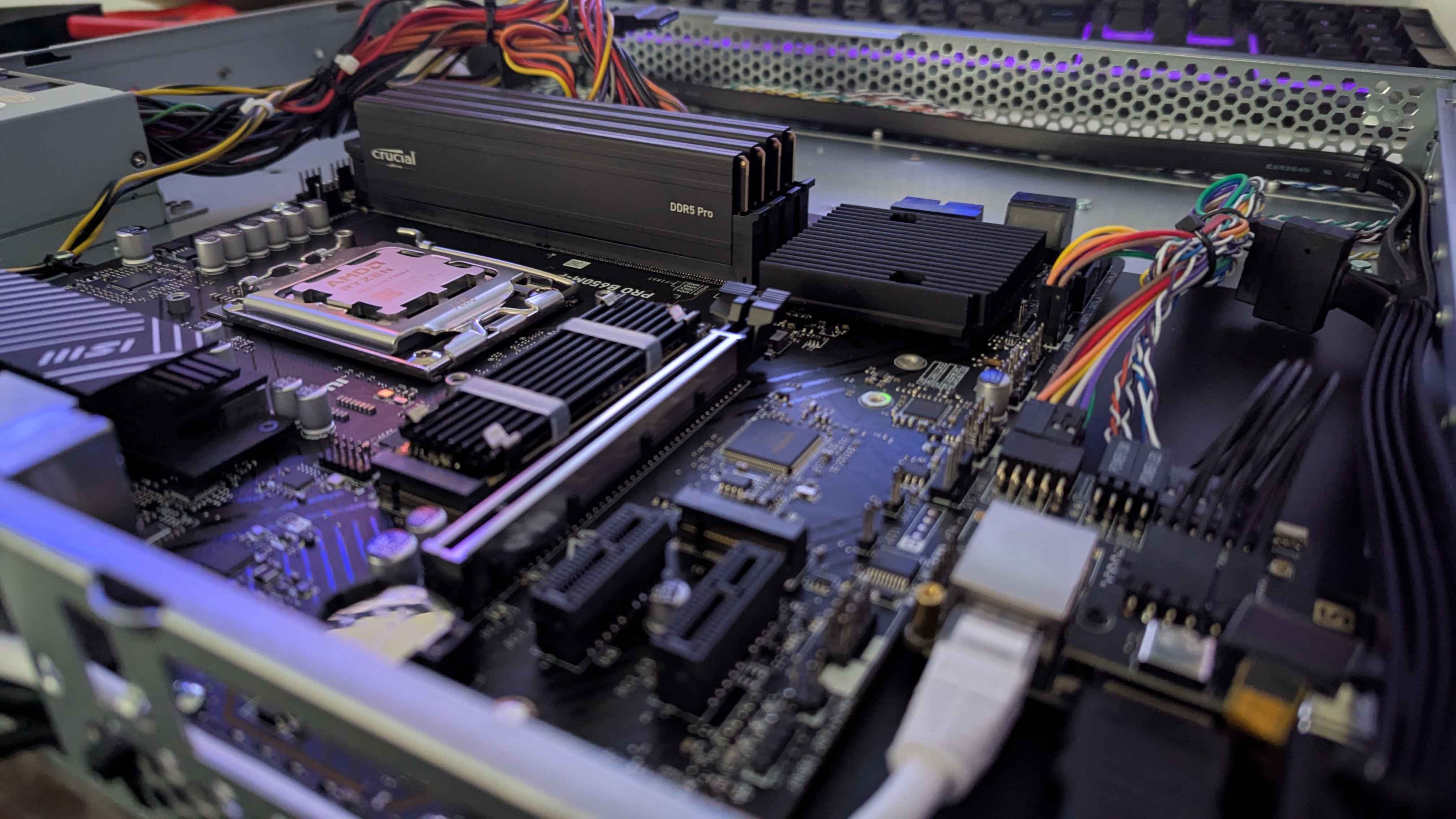
1. Choosing Inadequate Hardware 💻
The Mistake: You're running a 50-player Minecraft server on hardware that should barely handle 10 players. Your CPU is constantly maxed out, RAM is overflowing, and your storage is slower than a snail.
This is the foundation issue: everything else crumbles if your hardware can't keep up.
How to Fix It:
- Match your hardware to your game's requirements (and then some)
- Focus on these key specs:
- CPU: Games like Rust and Minecraft are CPU-intensive. Go for high clock speeds over core count
- RAM: Start with 8GB minimum, scale up based on player count and mods
- Storage: SSDs are a game-changer for load times and world generation

Pro Tip: Monitor your hardware usage during peak hours. If you're consistently hitting 80%+ on any component, it's time to upgrade.
2. Poor Resource Management 📊
The Mistake: Your server has plenty of power, but you're not using it efficiently. Multiple processes are fighting for resources, and nothing gets the priority it deserves.
Why it matters: Even powerful hardware becomes useless if resources aren't allocated properly.
How to Fix It:
- Set memory limits for your game server process
- Prioritize critical processes using your operating system's task manager
- Remove unnecessary background services that compete for resources
- Use process isolation to prevent one service from crashing others
Quick wins:
- Restart your server regularly to clear memory leaks
- Check for memory-hungry processes running alongside your game
- Set up automatic restarts during low-traffic hours
3. Improper Server Configuration ⚙️
The Mistake: You're using default settings that weren't designed for your specific setup. Your tick rate is too high, player limits are unrealistic, and view distances are eating your performance alive.
How to Fix It:
Memory Settings
- Small servers (10-20 players): 2-4GB
- Medium servers (20-50 players): 4-8GB
- Large servers (50+ players): 8GB+
Player Management
- Cap concurrent players based on your hardware capacity
- Better to have 30 smooth players than 100 laggy ones
- Implement queue systems during peak times
Rendering & View Distance
- Reduce render distance to 6-8 chunks for Minecraft
- Lower graphics settings on demanding games like Rust
- Optimize tick rates to match your server's capabilities
Pro Tip: Test configuration changes during off-peak hours and monitor performance metrics before and after.
4. Network and Connectivity Issues 🌐
The Mistake: Players can't connect reliably, experience random disconnects, or suffer from high ping that makes gameplay unenjoyable.
Common network problems:
- Incorrect port forwarding
- DDoS attacks overwhelming your connection
- Insufficient bandwidth for player count
- Poor routing to players' locations
How to Fix It:
- Configure port forwarding correctly for your specific game
- Implement DDoS protection at the network level
- Monitor bandwidth usage and upgrade as needed
- Use quality hosting with good network infrastructure
Essential ports to check:
- Minecraft: 25565 (TCP)
- Rust: 28015 (TCP/UDP)
- CS:GO: 27015 (TCP/UDP)
5. Insufficient Storage Performance 💾
The Mistake: You're using slow, old hard drives that can't keep up with constant read/write operations. World generation takes forever, and saving player data causes lag spikes.
Why storage matters: Game servers constantly access files for world data, player information, and logs. Slow storage = slow everything.

How to Fix It:
- Upgrade to SSDs if you're still on traditional hard drives
- Use NVMe drives for maximum performance
- Regular disk maintenance:
- Check for bad sectors
- Defragment traditional drives (not needed for SSDs)
- Monitor disk health with built-in tools
Storage recommendations:
- Minimum: 7200 RPM HDD
- Better: SATA SSD
- Best: NVMe SSD
6. Content Overload and Feature Creep 📦
The Mistake: You keep adding mods, plugins, and features without considering the performance impact. Your server is now a bloated mess that takes forever to start and runs like molasses.
How to Fix It:
Audit Your Content
- Remove unused mods/plugins regularly
- Test performance impact of new additions
- Prioritize essential features over cool-but-unnecessary ones
Smart Content Management
- Use lightweight alternatives when possible
- Optimize spawn rates for resource-intensive content
- Implement smart loading - only activate features when players are nearby
Red flags to watch for:
- Startup time over 5 minutes
- Memory usage increasing over time (memory leaks)
- Frame rate drops in specific areas
7. Lack of Monitoring and Maintenance 🔍
The Mistake: You set up your server once and forget about it. Problems build up silently until they become major issues affecting all your players.
Why monitoring matters: Small issues become big problems when left unchecked. Proactive monitoring prevents major outages.
Essential monitoring setup:
- CPU and RAM usage tracking
- Network latency monitoring
- Player connection quality metrics
- Error log analysis
Maintenance Schedule
Daily:
- Check server status and player reports
- Review error logs for issues
Weekly:
- Update plugins/mods (test first!)
- Clean up old log files
- Backup important data
Monthly:
- Security updates and patches
- Performance optimization review
- Hardware health checks
Pro Tip: Set up automated alerts for critical thresholds. Getting notified immediately when something goes wrong can prevent hours of downtime.
Your Action Plan 🎯
Now that you know the common mistakes, here's your next steps:
- Audit your current setup - identify which mistakes apply to you
- Prioritize fixes - start with hardware and network issues first
- Implement monitoring - you can't fix what you can't measure
- Test changes gradually - don't change everything at once
- Document what works - keep notes for future reference
Remember: Great server performance isn't about having the most expensive hardware: it's about optimizing what you have and avoiding these common pitfalls.
Your players will notice the difference, and you'll spend less time fighting fires and more time actually enjoying your game server.
Need professional hosting that avoids these mistakes from day one? Check out EUGAMEHOST's game server hosting solutions designed for optimal performance.
Got questions about any of these fixes? The server admin community is always ready to help troubleshoot specific issues!