
How Long Is a Minecraft Day and Night? How To Change Minecraft Time

🕒 How Long Is a Day in Minecraft? (Ultimate 2025 Breakdown)
Whether you’re mining, building, or just dodging phantoms, knowing the Minecraft day-night cycle gives you an edge. At EUGameHost, we optimise your experience not just with performance hardware — but with expert guides too. Let’s break it down.

⏳ How Long Is a Minecraft Day?
A full day-night cycle in Minecraft lasts exactly 20 minutes in real life. That’s 1,200 seconds per cycle. The game operates on a tick-based system — 1 tick = 0.05 seconds.
Here’s the breakdown in ticks and time:
- 🌤 Daytime: 0–12000 ticks = 10 minutes
- 🌆 Sunset: 12000–13000 ticks ≈ 1.5 minutes
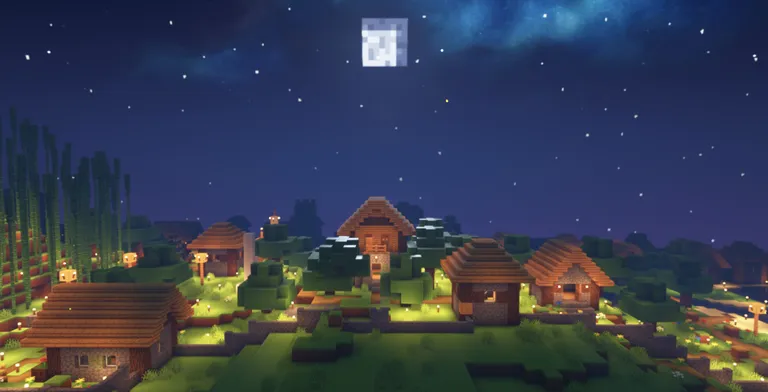
- 🌑 Nighttime: 13000–23000 ticks = 7 minutes
- 🌅 Sunrise: 23000–24000 ticks ≈ 1.5 minutes
So, every hour you play Minecraft equals three full in-game days.
- 🚀 Launch Your Free Minecraft Server Now
No credit card. No catches. Just pure gameplay. - 🎮 Start Hosting for Free Today
Full access to our premium panel, totally free. - 🛠️ Claim Your Free Minecraft Server
Instantly online with powerful UK hardware.
☀️ How Long Is Daytime?

Duration: 10 real-time minutes
Daytime is your best opportunity to:
- Harvest crops
- Build without threats
- Explore while mobs are burned off by sunlight
🕕 At 6000 ticks (6 minutes), the sun is directly overhead (midday).

🌙 How Long Is Night?
Duration: 7 real-time minutes
Nighttime is dangerous unless you’re well-equipped:
- Hostile mobs spawn aggressively
- Phantoms attack if you haven’t slept for 3+ days
- Villagers hide — your iron golems might not save them
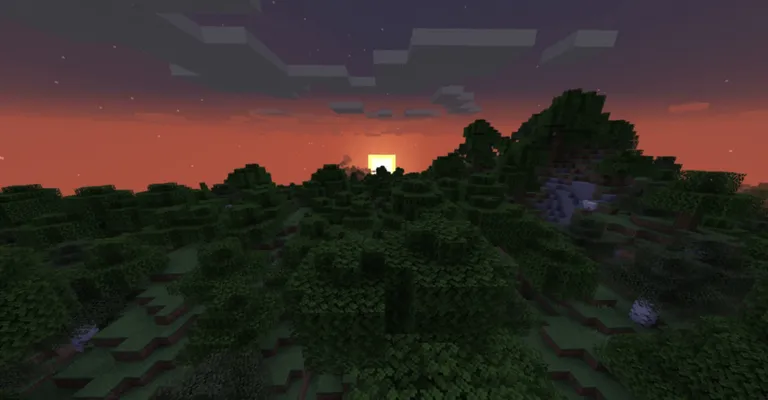
🌇 Dawn and Dusk: The Transition Phases
Both sunrise and sunset last 1.5 minutes each. Don’t let the orange sky fool you — mobs are already on the move.
- Sunset: Ticks 12000–13000
- Sunrise: Ticks 23000–0

📅 Full In-Game Time Table
| In-Game Time | Tick | Real Time |
|---|---|---|
| Sunrise Starts | 23000 | 19:10 |
| Day Begins | 0 | 0:00 |
| Noon | 6000 | 5:00 |
| Sunset Starts | 12000 | 10:00 |
| Night Starts | 13000 | 11:05 |
| Midnight | 18000 | 15:00 |
| Sunrise Again | 23000 | 19:10 |

🛏️ Skip the Night (or Freeze Time)
- Sleep in a bed: Works during night or thunderstorms (if no mobs are nearby).
- In multiplayer: Everyone must sleep simultaneously unless modified.
- Use commands:
/time set day– start morning/time set midnight– skip to night/gamerule doDaylightCycle false– freeze time entirely
💡 Pro Tips from EUGameHost
- 🔦 Light up your base with torches or lanterns
- 🛌 Carry a bed when exploring
- 🕰 Craft a clock to monitor surface time underground
- 🧱 Always have shelter nearby
🎮 Why Timing Matters
Understanding Minecraft’s day cycle helps you:
- Plan safer mining and building
- Avoid mob ambushes
- Use sleeping as a strategic mechanic
- Make the most of every minute
Hosting your own world? With EUGameHost, you’ll get low latency, 24/7 uptime, and control over world rules, ticks, and cycles — including custom daylight mods.
🔗 Ready to master the night?
Explore the world on your terms. Run your own modded Minecraft server with EUGameHost and experience gameplay without compromise.