
How to Configure Mumble Voice Chat in FiveM
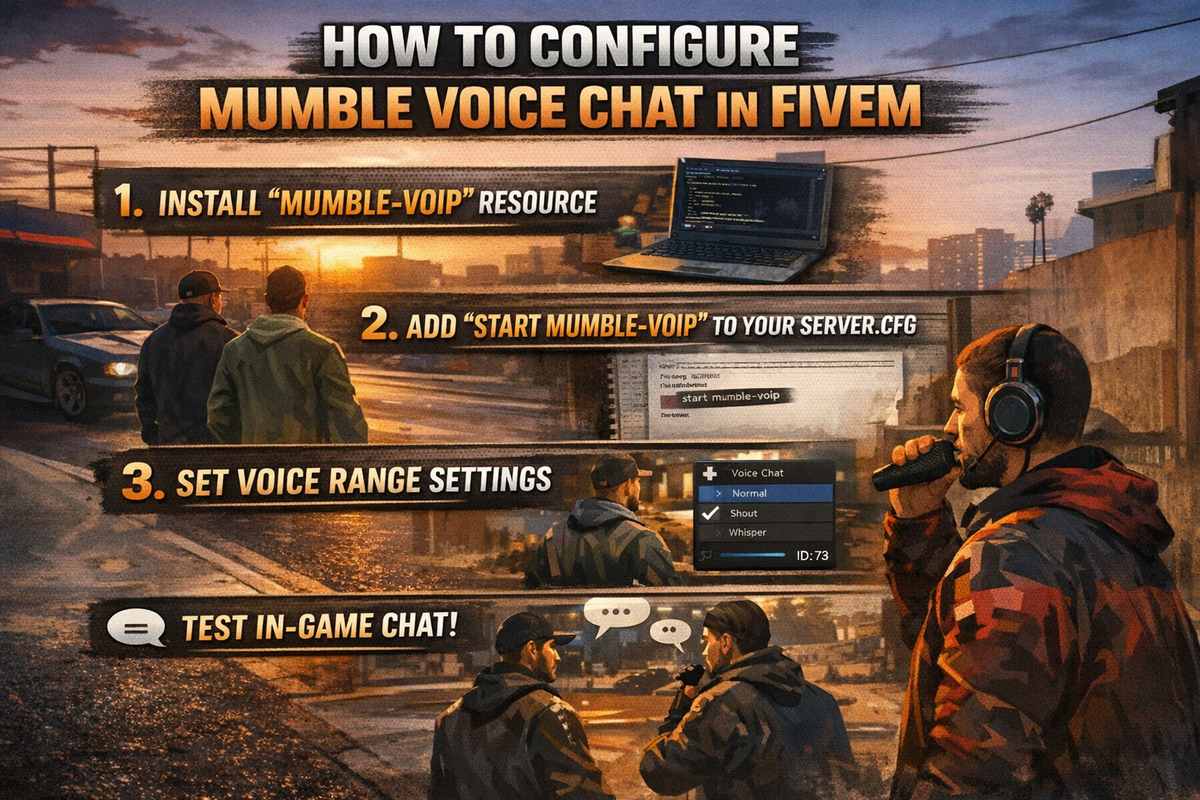
Learn how to set up and optimize high-quality in-game voice using FiveM’s built-in Mumble system with PMA-Voice.
Crystal Clear Spatial Communication
FiveM includes a native Mumble-based voice system, designed to deliver:
- Low-latency voice communication
- 3D positional audio (players sound closer/further based on distance)
- Radio and proximity-based communication
- Full synchronization with in-game movement
Using Mumble instead of external tools (like Discord or TeamSpeak) allows for a fully immersive roleplay experience, where voice behaves exactly like real-world sound.
Difficulty
Beginner
Estimated Time
~5 minutes
Recommended Setup: PMA-Voice
While FiveM includes native voice, the PMA-Voice resource is the industry standard for:
- Stability
- Advanced features (radio channels, call systems)
- Better control over proximity and audio behavior
If you're serious about quality and scalability, using PMA-Voice is not optional.
Server Configuration (Required)
To enable and properly configure Mumble, add the following lines to your server.cfg.
⚠️ These must be placed before starting your voice resource (e.g., ensure pma-voice).
Core Voice Settings
# Enable Native Audio (Required)
setr voice_useNativeAudio true
This activates FiveM’s built-in Mumble system.
Proximity & Audio Logic
# Only transmit voice within proximity range
setr voice_useSendingRangeOnly true

# Enable submix for radio effects and filtering
setr voice_enableSubmix 1
These settings ensure:
- Players only hear others within range
- Radio audio sounds distinct from proximity chat
Default Keybinds & Volume
# Key to cycle voice range (whisper / normal / shout)
setr voice_defaultCycle "F11"

# Default voice volume (0.0 - 1.0)
setr voice_defaultVolume 0.4
You can adjust these based on your server’s UX preferences.
Resource Initialization
Make sure PMA-Voice is started in your server.cfg:
ensure pma-voice
Recommended load order:
- Dependencies first
- Voice system early (before gameplay scripts)
In-Game Features Enabled
With proper configuration, players will have:
- Proximity voice (distance-based audio)
- Voice range cycling (whisper, normal, shout)
- Radio communication systems (if configured)
- Directional audio (left/right positioning)
Troubleshooting Voice Issues
If players report voice problems, don’t guess — isolate the issue quickly using this checklist.
1. Output Device Verification
Have the player check:
GTA V Settings → Voice Chat
- Output Device = correct headphones/speakers
- Input Device = correct microphone
Wrong device = no audio, even if everything else is correct.
2. Client-Side Issues
Common fixes:
- Restart FiveM
- Clear client cache
- Reconnect to server
If only one player is affected, it’s almost always client-side.
3. Submix / Audio Conflicts
If players:
- Hear distorted audio
- Can’t hear radio properly
→ Verify:
setr voice_enableSubmix 1
Disabling or misconfiguring this breaks radio filtering.
4. Resource Conflicts (Critical)
If voice is:
- Randomly cutting out
- Not working for some players
- Completely broken
You likely have conflicting voice scripts.
Remove Legacy Voice Systems
If you are upgrading or migrating your server, you must remove old voice resources.
Common conflicts include:
esx_voicevdk_voicemumble-voip
⚠️ Running multiple voice systems will break everything:
- Microphones stop working
- Players can’t hear each other
- Voice becomes unstable
Best Practices
Keep Voice System Clean
Only run:
pma-voice- Native Mumble (enabled via config)
Nothing else.
Test After Every Change
After modifying voice settings:
- Restart server
- Join with 2+ players
- Test proximity + radio
Don’t Overcomplicate Early
Start with:
- Default PMA-Voice setup
- Basic proximity chat
Then expand into:
- Radios
- Calls
- Voice channels
Common Mistakes to Avoid
- Placing voice config after resource start
- Running multiple voice systems
- Ignoring client audio settings
- Assuming voice issues are server-side (they often aren’t)
Proper voice setup is one of the highest-impact improvements you can make to your server. If it’s broken, players leave. If it’s flawless, it massively improves immersion and retention.
Reliable FiveM Hosting Built for Serious Communities
From just £4.20/month, get high-performance hosting backed by 30Tbps Anycast DDoS protection for maximum uptime and security.
Get Started in Seconds →