
How to Install and Configure phpMyAdmin Securely
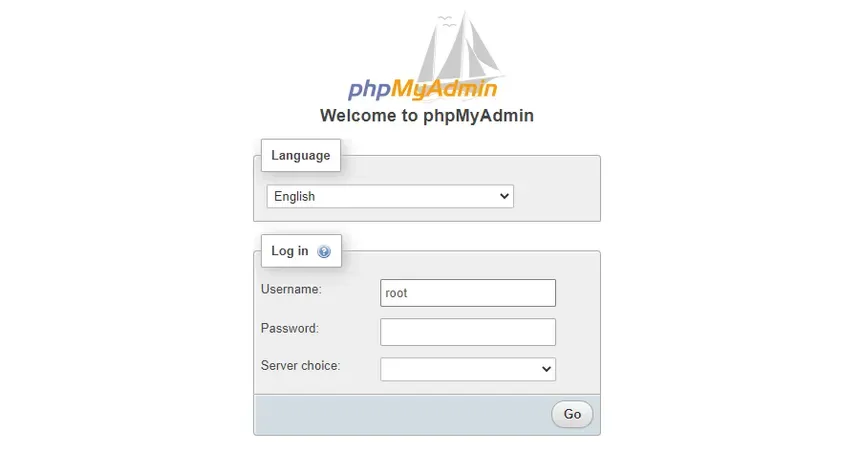
phpMyAdmin is a powerful web interface for managing MySQL and MariaDB databases. However, its convenience makes it a common target for attackers. In this guide, you'll learn how to install and secure phpMyAdmin properly on a Linux VPS.
Prerequisites
- A VPS running Ubuntu/Debian or CentOS/AlmaLinux
- A working LAMP or LEMP stack
- Root or sudo access
Step 1: Install phpMyAdmin
On Ubuntu/Debian
sudo apt update
sudo apt install phpmyadmin- Select the web server to configure (usually Apache)
- Choose "Yes" to configure the database and set a password
On CentOS/RHEL/AlmaLinux
- Enable EPEL:
sudo dnf install epel-release- Install phpMyAdmin:
sudo dnf install phpmyadminStep 2: Configure Web Server
Apache
Ensure the following is in your config:
Alias /phpmyadmin /usr/share/phpmyadmin
<Directory /usr/share/phpmyadmin>
    Options FollowSymLinks
    DirectoryIndex index.php
    AllowOverride All
    Require ip 192.168.0.0/16
</Directory>
Restart Apache:
sudo systemctl restart apache2NGINX (with PHP-FPM)
Create a location block:
location /phpmyadmin {
    root /usr/share/;
    index index.php;
    location ~ ^/phpmyadmin/(.+\.php)$ {
        fastcgi_pass unix:/run/php/php7.4-fpm.sock; # Adjust as needed
        include fastcgi_params;
        fastcgi_param SCRIPT_FILENAME $document_root$fastcgi_script_name;
    }
    location ~* ^/phpmyadmin/(.+\.(jpg|jpeg|gif|css|png|js|ico|html|xml|txt))$ {
        root /usr/share/;
    }
}
Restart NGINX:
sudo systemctl restart nginxStep 3: Secure phpMyAdmin
1. Restrict by IP
Only allow your IP or internal ranges access.
Require ip 203.0.113.15Or in NGINX:
allow 203.0.113.15;
deny all;
2. Password-Protect the Directory
sudo apt install apache2-utils
sudo htpasswd -c /etc/phpmyadmin/.htpasswd adminuser
Update Apache config:
AuthType Basic
AuthName "Restricted Access"
AuthUserFile /etc/phpmyadmin/.htpasswd
Require valid-user
3. Disable Root Login
Edit the config.inc.php file:
$cfg['Servers'][$i]['AllowRoot'] = false;4. Rename the URL
Change /phpmyadmin to something obscure like /dbadmin-secret to reduce brute force attempts.
Step 4: Finalize
- Restart your web server after all changes
- Test accessing phpMyAdmin via your chosen IP and custom path
Summary
phpMyAdmin is a useful tool, but it must be secured. By restricting access, hiding your login URL, and disabling root logins, you drastically reduce the attack surface.