
How to Install & Configure vMenu in FiveM
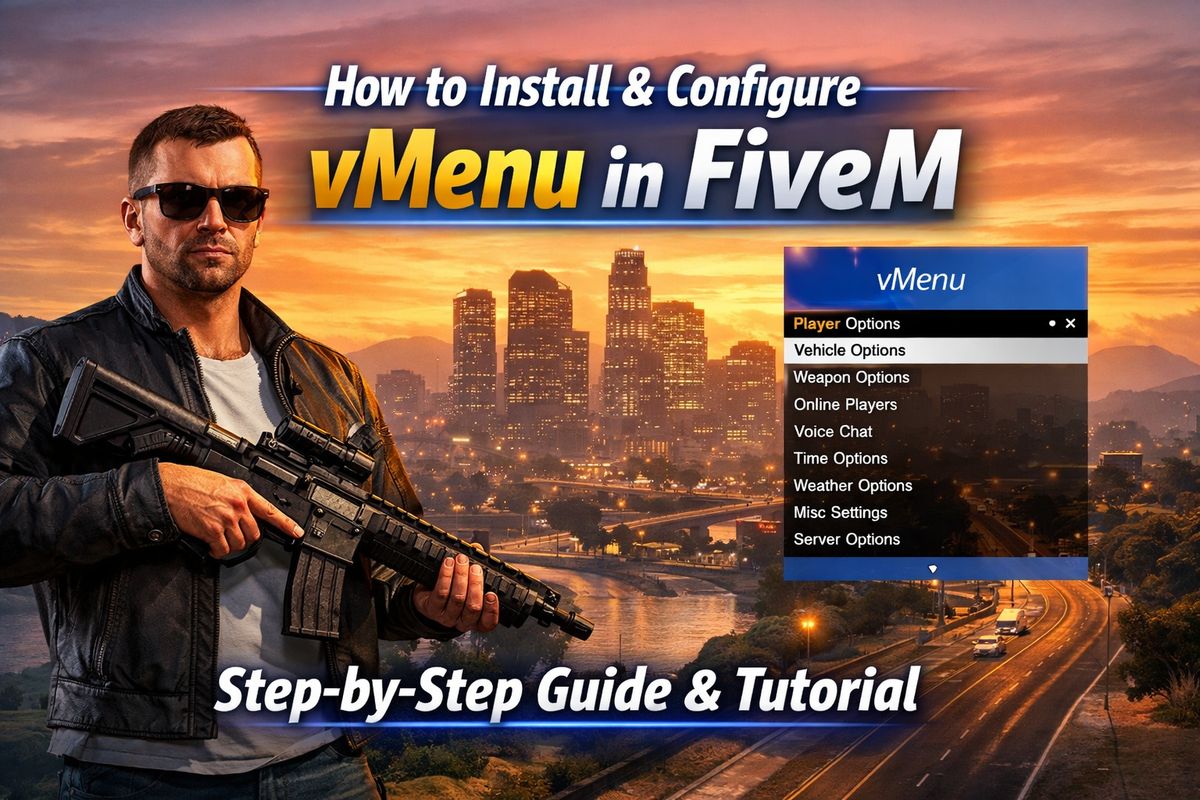
How to Install & Configure vMenu in FiveM | EUGameHost
Install vMenu on your FiveM server to manage administration tools, player permissions, vehicles, weather, teleportation, and more.
vMenu is one of the most widely used server-side admin menus for FiveM.
Difficulty: Intermediate
Time Required: 8 Minutes
Step 1: Download vMenu
Download the latest version from the official vMenu GitHub release page.
Extract the downloaded files.
Step 2: Upload vMenu to Resources
Log in to your EUGameHost Game Panel.
Open File Manager and go to:
/resources
Upload the extracted vMenu folder.
Your structure should look like this:
resources
└── vMenu
Step 3: Move permissions.cfg
Inside the vMenu download, locate:
permissions.cfg
Move this file to your server root directory, where your server.cfg file is located.
Example structure:
server.cfg
permissions.cfg
resources
└── vMenu
This is the recommended setup for easier updates.
Step 4: Edit server.cfg
Open your server.cfg.
Add these lines in this exact order:
exec permissions.cfg
ensure vMenu
The order is important.
permissions.cfg must load before vMenu starts.
Step 5: Add Yourself as Admin
Open:
permissions.cfg
Add your identifier under the principals section.
Example using Steam:
add_principal identifier.steam:11000010a2c3d4e group.admin
Then give the admin group full access:
add_ace group.admin "vMenu.Everything" allow
This gives your account full vMenu permissions.
Step 6: Restart Your Server
Restart your server from the EUGameHost Game Panel.
vMenu should now load and your admin permissions will apply.
Common Permissions
Full Admin Access
add_ace group.admin "vMenu.Everything" allow
Player Access
If you want regular players to use limited menu features, edit the built-in permissions inside:
permissions.cfg
Only enable the options you want players to access.
Common Issues
Menu Not Opening
Check that:
ensure vMenuis inserver.cfgexec permissions.cfgloads first- your identifier is correct
- permissions file is in the server root
No Admin Permissions
This is usually caused by using the wrong identifier.
Double-check your Steam or FiveM license identifier.
Need Help?
If vMenu is not loading or permissions are not working, the EUGameHost support team can help you configure it quickly.
Reliable FiveM Hosting Built for Serious Communities
From just £4.20/month, get high-performance hosting backed by 30Tbps Anycast DDoS protection for maximum uptime and security.
Get Started in Seconds →