
⚙️ How to Install uMod / Oxide on Your Rust Server (2025 Guide)
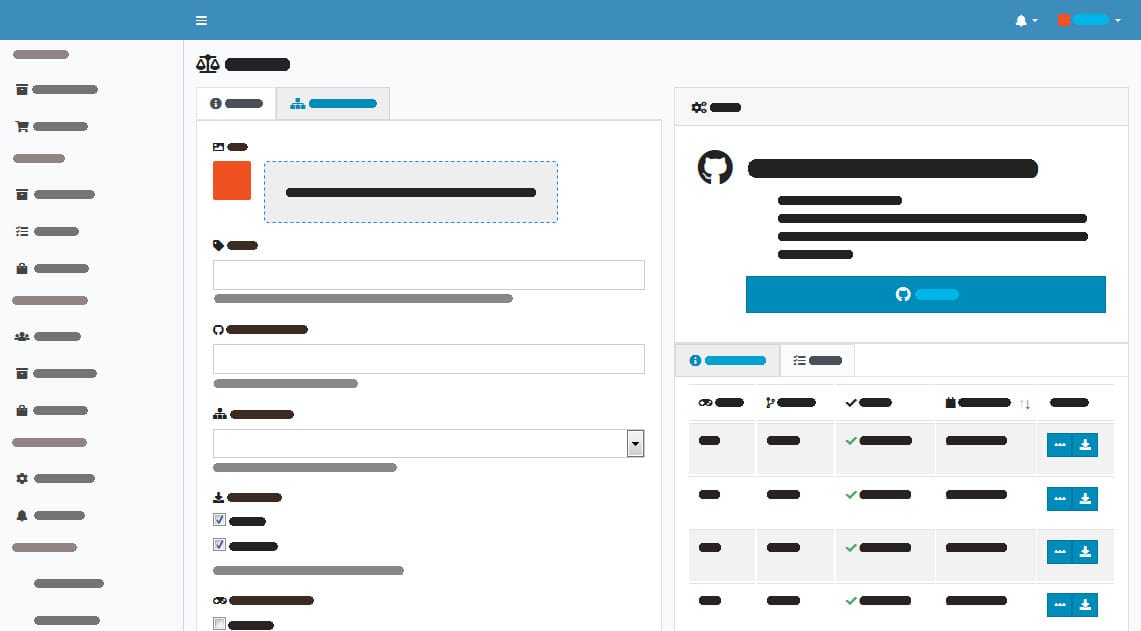
Looking to enhance your Rust server with plugins and mods? Installing uMod (formerly known as Oxide) is the first step to unlocking powerful server-side features, automated moderation tools, and gameplay enhancements.
In this step-by-step guide, we’ll show you exactly how to install and update uMod on your Rust server hosted with EUGameHost — in just a few clicks.
🚀 What is uMod / Oxide?
uMod is a modding framework for Rust (and other games) that allows server owners to:
- Add custom plugins (like teleporting, kits, clans, or PvE zones)
- Automate admin commands or restrictions
- Customise player experience without client-side mods
⚡ Mod Your Rust Server in Seconds
Unlock plugins, automate gameplay, and customise your world — all with one click.
🧠 uMod pre-installed
🚀 Servers from just £7.50/month
🛡️ Free DDoS protection included
🛠️ How to Install uMod on Your Rust Server
Total time required: 2–3 minutes
✅ Step 1: Log in to the Control Panel
Go to cp.eugamehost.com and log in with your EUGameHost credentials.
✅ Step 2: Navigate to Game Services
Click “Game Services” in the sidebar.

✅ Step 3: Select Your Rust Server
Click on your Rust Service.

✅ Step 4: Stop the Server
Click Stop to safely halt your server before making changes.

✅ Step 5: Open the Mod Manager
In your control panel, click Mod Manager.

✅ Step 6: Install uMod (Oxide)
Find uMod in the list and click Install. This takes just a few seconds.

✅ Step 7: Start the Server
Go back to the main page and press Start to bring your server back online with uMod enabled.

🔄 How to Update uMod / Oxide
When Facepunch releases Rust updates, uMod often needs to be updated too. Here's how to do that easily.
🔁 Step 1: Stop the Server
Click Stop again to prepare for the update.
🔁 Step 2: Go to the Updates Tab
Head over to the Updates section of your control panel.

🔁 Step 3: Reinstall uMod
Click Install next to uMod again — this pulls the latest compatible version.

🔁 Step 4: Restart the Server
Click Start to apply the update and get back online.
🎉 You're Done!
With uMod now installed and updated, you can start adding plugins from the uMod Plugin Directory. Simply upload them to the /oxide/plugins folder via FTP or the file manager in your control panel.
Need help finding the best plugins for Rust? Just ask us in Discord.
🧠 Why Choose EUGameHost for Modded Rust Servers?
We make running a modded Rust server simple, secure, and powerful:
✅ One-click uMod install & updates
✅ Ryzen 7950X3D hardware
✅ NVMe SSDs + 10Gbps upload
✅ Free DDoS protection (Cosmic Guard)
✅ Friendly UK-based support (no bots!)
🎮 Start hosting from just £7.50/month
👉 Get Rust Hosting Now
🧩 Final Thoughts
Modding is what takes a Rust server from playable to unforgettable. Installing uMod with EUGameHost is fast, easy, and fully supported — so you can focus on building your world, not fixing it.
Stay updated, stay protected, and start growing your community today.