
How to Keep Inventory on Death in Minecraft: Save Your Items.
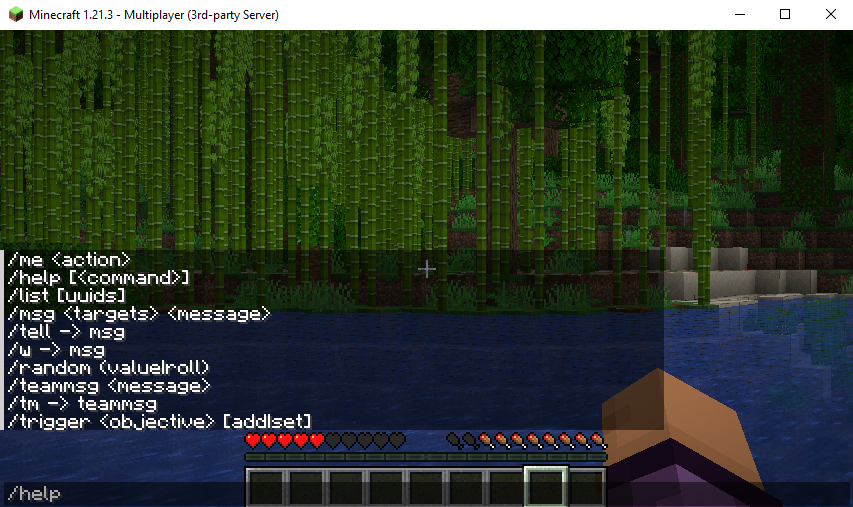
Here’s a fully expanded and improved 500-word guide on the Minecraft keep inventory command, with image previews embedded throughout for context and clarity:
🛡️ How to Use the Keep Inventory Command in Minecraft (Java & Bedrock)
Let’s face it — losing all your items to lava or a creeper ambush is one of Minecraft’s most frustrating moments. But what if you could die without consequences? That’s exactly what the /gamerule keepInventory true command is for. With it, you keep your entire inventory and XP, even after death.
Whether you’re playing on Java or Bedrock, singleplayer or server, this guide will show you how to enable it, disable it, and solve any issues you hit along the way.
💡 What Is Keep Inventory?
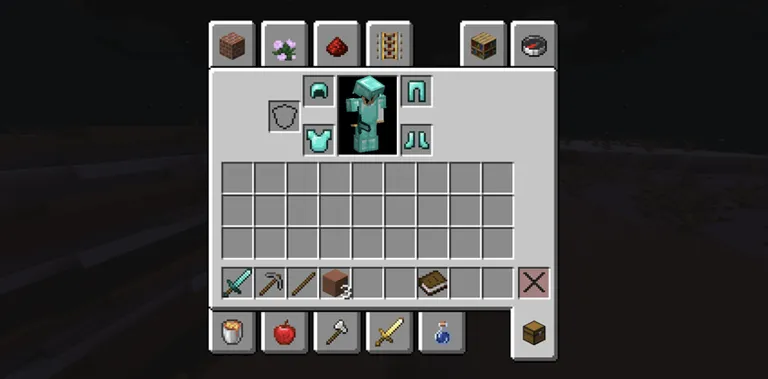
The keepInventory gamerule changes what happens when you die. Instead of dropping your items, you respawn with everything intact — weapons, tools, armour, XP… the lot.

🎯 Why Enable It?
This command is ideal for:
- Builders who don’t want to risk valuable materials
- Casual players who want less punishment
- Explorers tackling dangerous areas like the Nether
- Friends playing cooperatively, not competitively
You’ll retain tools, gear, and levels — so you can keep progressing, not backtracking.

- 🚀 Launch Your Free Minecraft Server Now
No credit card. No catches. Just pure gameplay. - 🎮 Start Hosting for Free Today
Full access to our premium panel, totally free. - 🛠️ Claim Your Free Minecraft Server
Instantly online with powerful UK hardware.
🖥️ How to Enable Keep Inventory
✅ Java Edition (Singleplayer)
- Enable cheats in world settings or open to LAN:
Esc → Open to LAN → Allow Cheats: ON → Start LAN World - Press T to open chat.
- Hit Enter. Done.
Enter the command:
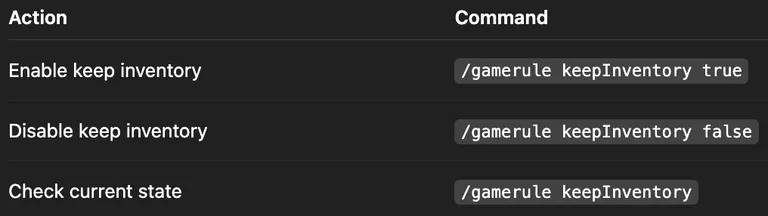
/gamerule keepInventory true
🌐 Java Edition (Multiplayer)
- Make sure you’re an OP (server admin).
- Run
/save-allto lock the setting in.
Type the same command:
/gamerule keepInventory true
📱 Bedrock Edition (Singleplayer)
- Open Settings → Game.
- Enable Activate Cheats.
- Scroll down and toggle Keep Inventory ON.
💼 Bedrock Multiplayer Server
- Set
allow-cheats=truein your config. - Restart the server.
As an OP, enter:
/gamerule keepInventory true
❌ How to Disable Keep Inventory

Want to bring back the challenge?
/gamerule keepInventory false
Use this to return to default survival behaviour — dropped loot and XP on death.
🧰 Common Issues
- Not working? Make sure cheats are enabled and the command is case-sensitive:
keepInventory, notkeepinventory. - Items still dropping? Java: run
/save-all. Bedrock: restart your server. - Only want it for some players? You’ll need a plugin like PerPlayerInventory — not possible in vanilla.
📌 Quick Reference
🧠 Final Thoughts
The keep inventory command is a powerful tool to tailor Minecraft to your playstyle. Whether you’re avoiding frustration or making things more accessible for younger players or casual groups, it’s your world — so play your way.
If you're hosting a server, this command can make or break user experience — so use it strategically based on your player base.
Let me know if you want this guide formatted into a downloadable PDF or embedded on your website with full SEO structure.