
Understanding OneSync Infinity vs. Legacy in FiveM
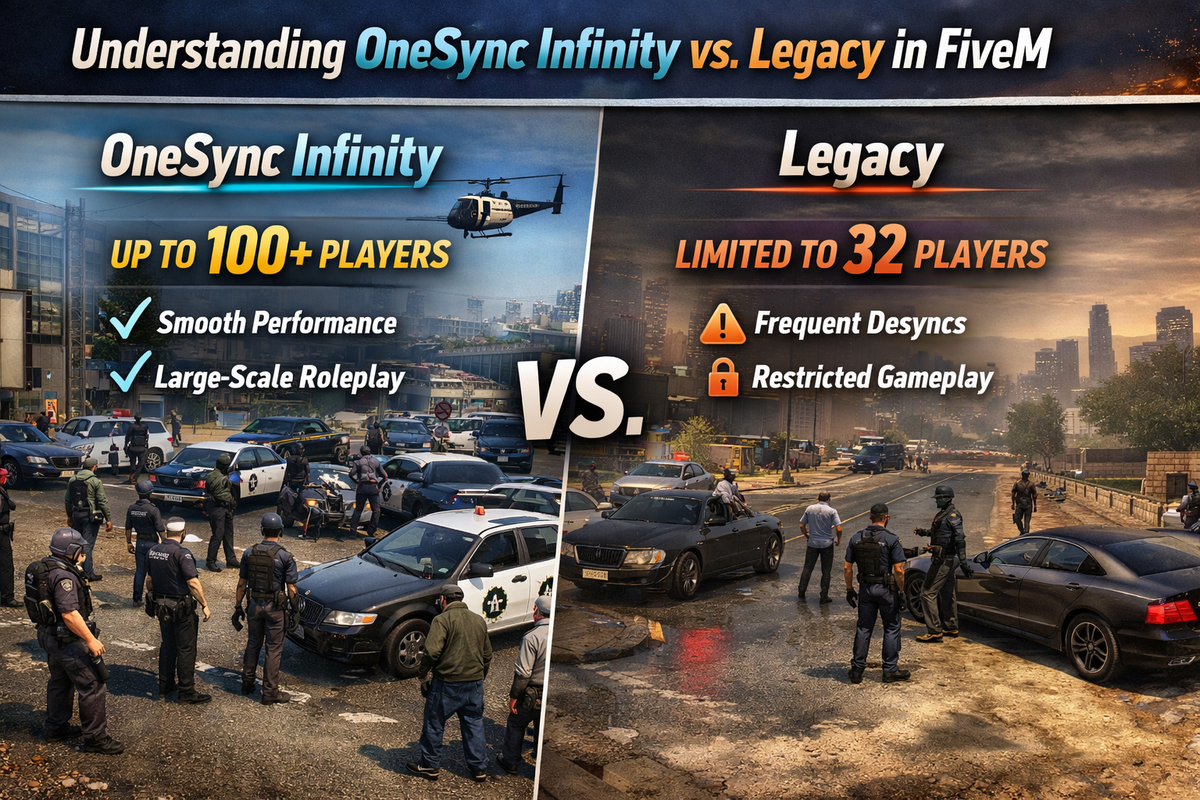
How to Configure OneSync Legacy vs Infinity in FiveM | EUGameHost
Choose the right OneSync mode for your FiveM server to improve player sync, slot capacity, and network performance.
This is especially important for servers planning to grow beyond standard player limits.
Difficulty: Intermediate
Time Required: 8 Minutes
What Is OneSync?
OneSync is FiveM’s networking system that allows servers to go beyond the original GTA V player limit.
It improves:
- player synchronization
- entity streaming
- slot capacity
- network performance
- distance-based sync
OneSync Modes
Legacy
Best for older servers and legacy scripts.
Capacity: Up to 48 players
Best for:
- older resources
- older frameworks
- legacy ESX servers
- older scripts from 2017–2019
In Legacy mode, player data is synced more globally.
This means more data is sent to more players.
Infinity (Recommended)
Best for modern servers.
Capacity: Higher slot counts
Best for:
- modern frameworks
- optimized scripts
- 64+ slot servers
- better performance
Infinity uses distance-based streaming.
Players only receive nearby entity data, which greatly improves performance.
This is the recommended option for most servers.
How to Enable OneSync Infinity
Open your server.cfg.
Add:
set onesync on
This enables OneSync Infinity.
Restart Your Server
Restart your server from the EUGameHost Game Panel.
The new sync mode will apply after restart.
When to Use Legacy
Use Legacy only if you are running older scripts that depend on global player sync.
Examples:
- outdated inventory systems
- old ESX resources
- older menu scripts
When to Use Infinity
Use Infinity if you want:
- better performance
- larger player counts
- modern framework support
- less network load
For most servers, this is the best option.
Important: Check Framework Compatibility
Before switching, make sure your framework is updated.
Common examples:
- QB-Core
- ESX Legacy
Older versions may cause:
- player desync
- invisible players
- ghost entities
- inventory issues
Best Practice
For all modern EUGameHost servers, we recommend:
set onesync on
Only use Legacy if a specific older script requires it.
Need Help?
If players are desyncing after switching modes, the EUGameHost support team can help you check framework compatibility and optimize your setup.
Launch Your FiveM Server Today — From Just £4.20/Month
Power your community with ultra-fast performance, instant deployment, and 30Tbps Anycast DDoS protection built in.
Stay online, stay protected, and scale without limits.
Start Hosting Now →