
BeamNG.drive multiplayer servers
BeamMP server hosting for BeamNG.drive.
Your own BeamMP server, online in 60 seconds
- Instant setup
- Always-on DDoS protection
- Full FTP access
- Mod & map uploads
- ServerConfig.toml editor
- Automatic backups
Check your connection
Compare latency to our locations


Measured live from your browser
Lower ping means other players' cars move smoothly instead of jumping around.
Pick your BeamMP server.
Every plan includes instant setup, mod and map uploads, the ServerConfig.toml editor, automatic backups, always-on DDoS protection and our control panel: change your slot count anytime.
Pro
Growing public or Discord server
Ultra
Busy public server with big mod packs
We're rated excellent.
Rated 4.8 / 5 by 500+ server owners on Trustpilot.

One of the best providers
Changing to EUGameHost was one of the best decisions I've made. I now run a dedicated server and two game servers. The team is amazing, knowledgeable and personal. No bots.
The best out there
I've tried a lot of game server hosts over the years and after a year with EUGameHost they're one of the best, especially the support. Loads of RAM where most hosts charge a fortune to upgrade.
Amazing customer service
Had an issue with my server and got a response very quickly. Once we confirmed it, the fix was applied immediately and I was given extra time for free. 100% recommend.
Rock steady through DDoS attacks
Switched our server over from a previous host after server-killing DDoS attacks. Haven't had a single issue since and the servers are rock steady.
Best host out there
Really good host, very good server and a very patient team, always there to help with quick ticket responses. Extremely happy with their work.
Fantastic price for the hardware
Use this to host a game server: absolutely fantastic price for the hardware available. Had one small issue and got a human response in under 2 minutes. Can't complain.
BeamNG multiplayer server hosting, made simple.
BeamMP is the free community mod that adds multiplayer to BeamNG.drive: you and your friends drive, crash and race together in one world. The mod is free. You just need somewhere to run the server, and that is what we host: a BeamMP server that is always online, with your mods and maps on it, so nobody has to leave a PC running at home.
Driving & Multiplayer
- BeamNG.drive multiplayer with synced vehicles
- Freeroam, racing, drift and police chases
- Set player slots and cars per player
- Always online: no PC left running at home
Mods & Maps
- Upload mods to Resources/Client
- Players auto-download mods on join
- Any vanilla or modded BeamNG map
- Switch maps anytime, no charge
Config & Control
- Edit ServerConfig.toml in-browser
- Full FTP / SFTP file-level access
- Automatic backups you can roll back
- One-click BeamMP server updates
Reliability
- Always-on Layer 3/4/7 DDoS protection
- Never null-routed during attacks
- Hosted in the UK on a 10 Gbps network
- 24/7 UK-based support
Trusted by 500+ game server owners.
How to host a BeamMP server in 5 steps.
From nothing to friends driving on your server in a few minutes. No port forwarding, no Linux, no PC left on overnight.
Get an auth key
Sign in to the BeamMP Keymaster with Discord, press the green plus on the Keys page, name the key and copy it. Every BeamMP server needs one, public or private.
Pick a plan
Choose a slot count below and check out. Your BeamMP server is built automatically and is usually online within 60 seconds, with your control panel login in your inbox.
Paste the key and start
Open the config editor, paste your key into Auth Key, set a server name and choose a map. Press start and the server registers with the BeamMP network.
Add mods and maps
Upload mod .zip files to Resources/Client with the file manager or SFTP and restart. Players download them automatically when they join.
Share the direct connect IP
Send friends your server IP and port from the panel. They enter it in the BeamMP launcher's Direct Connect tab and they are in.
Stuck on a step?
Our UK support team is online 24/7 by ticket and Discord and has set up plenty of BeamMP servers. Ask and we will walk you through it.
Read the full guide: how to set up a BeamMP server, at home or hosted
Full control over your BeamMP server.
Manage mods, maps, your ServerConfig.toml and backups from one panel: switch between the features below to see how easy running a BeamNG.drive multiplayer server really is.
View BeamMP plans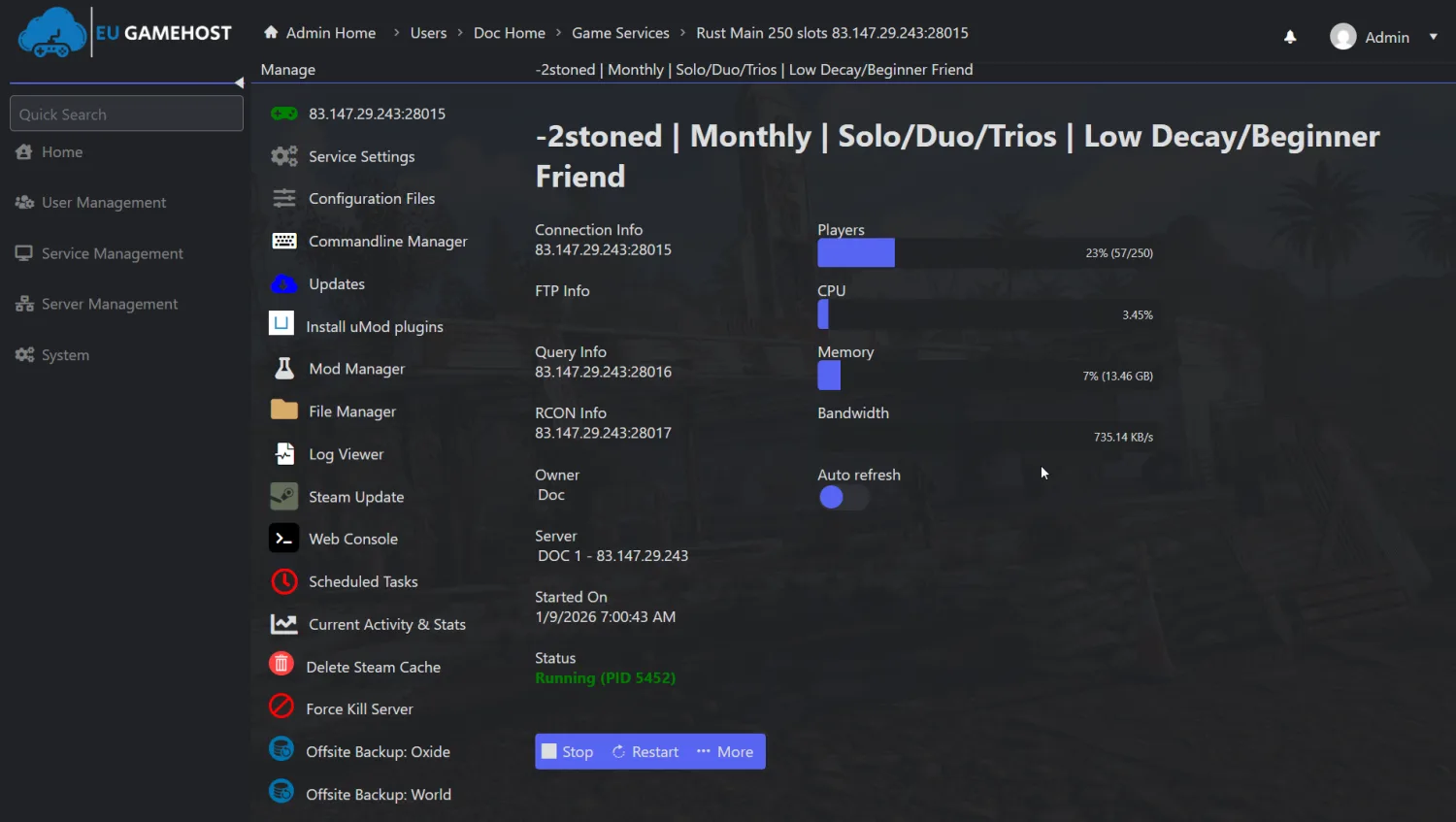 Live server console
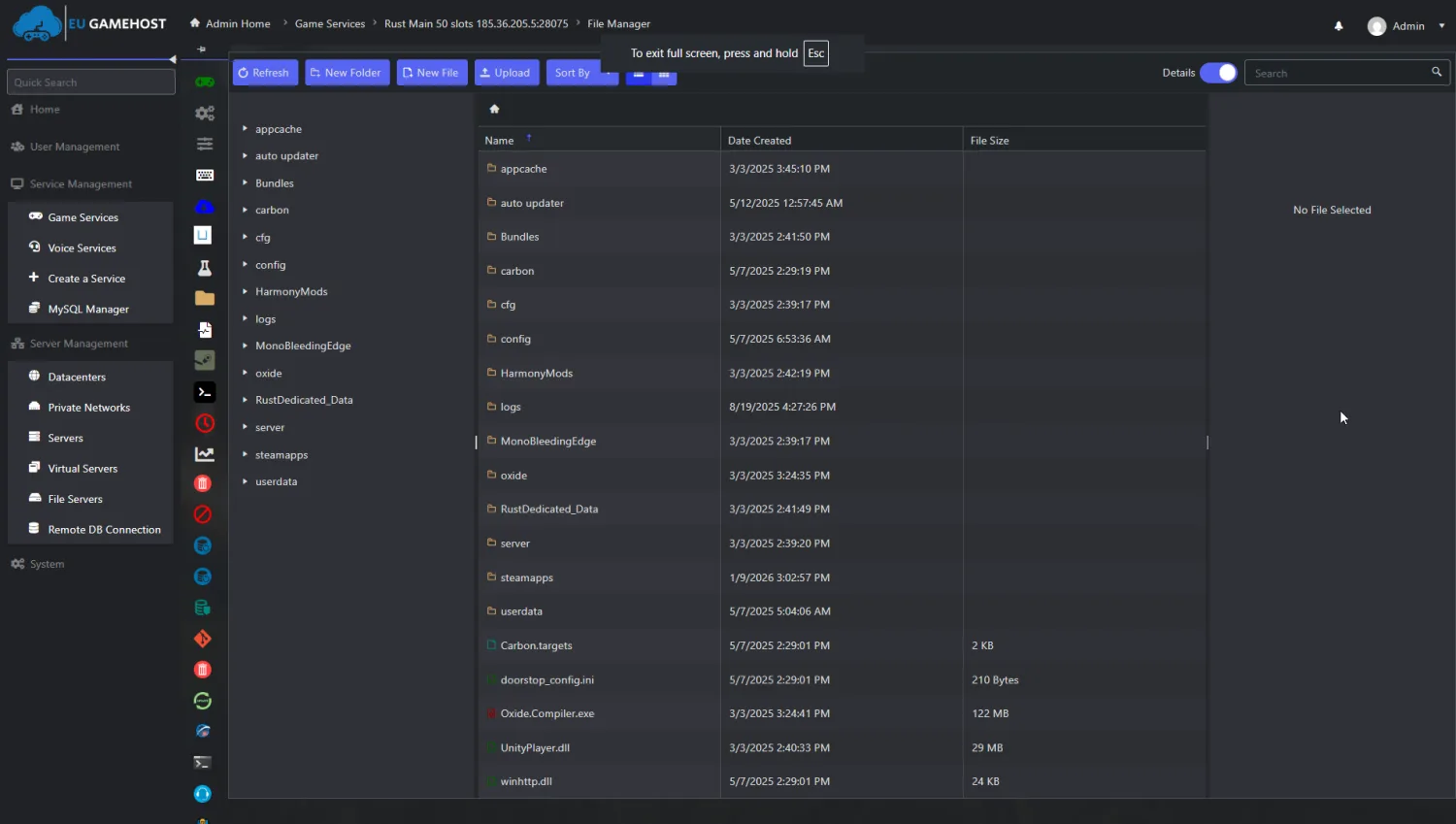 Complete file control
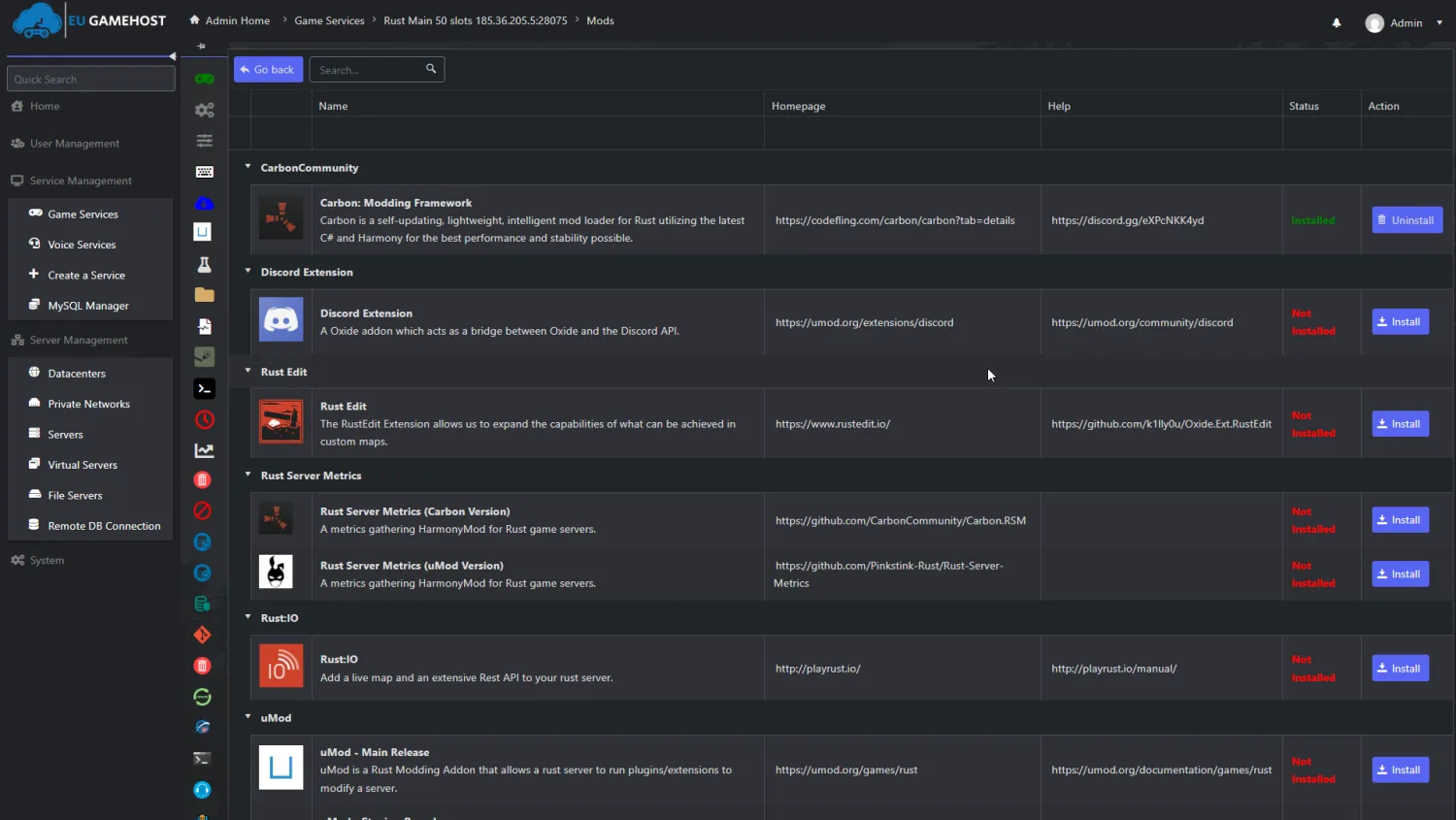 Full mod support
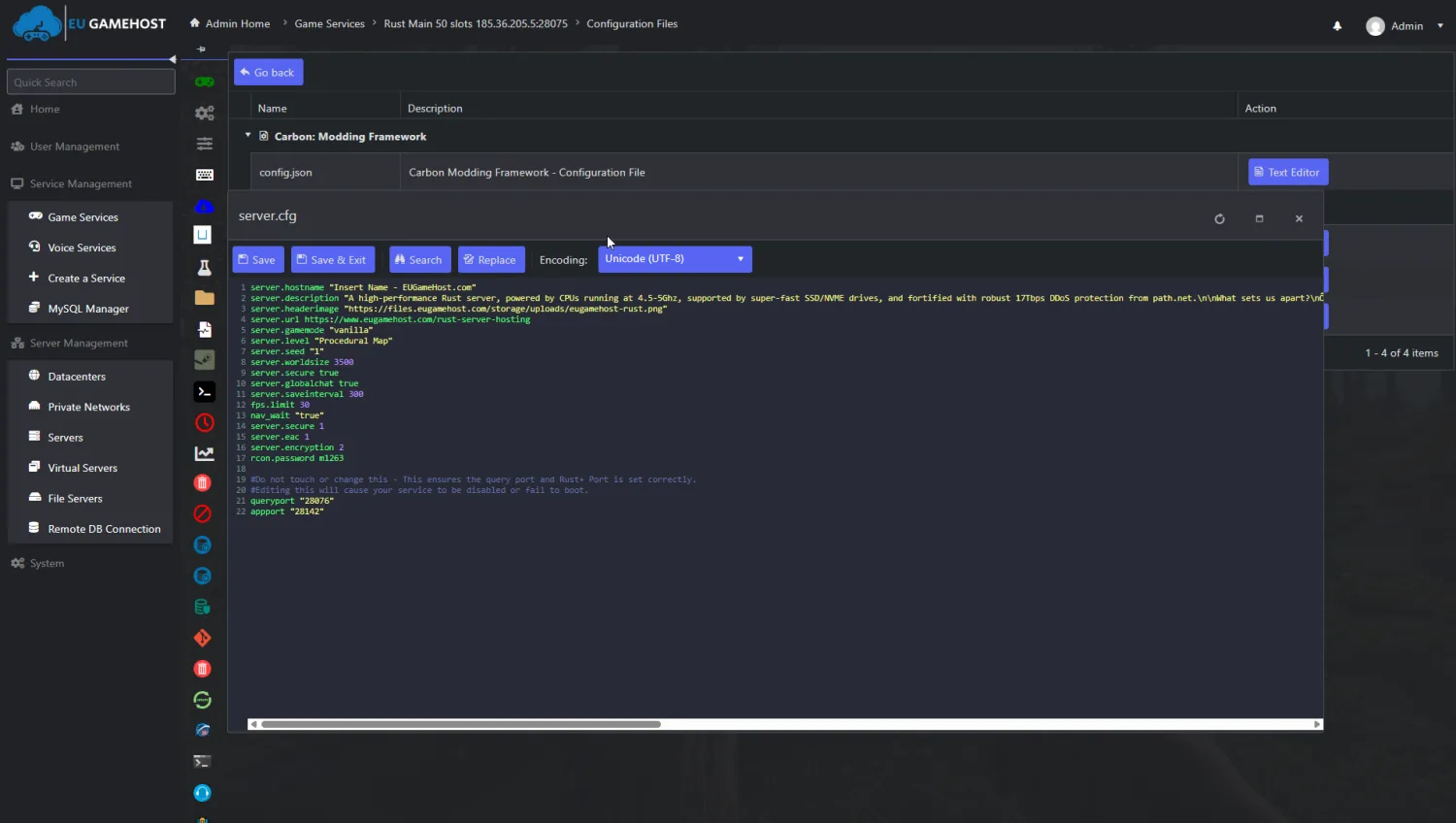 Easy configuration
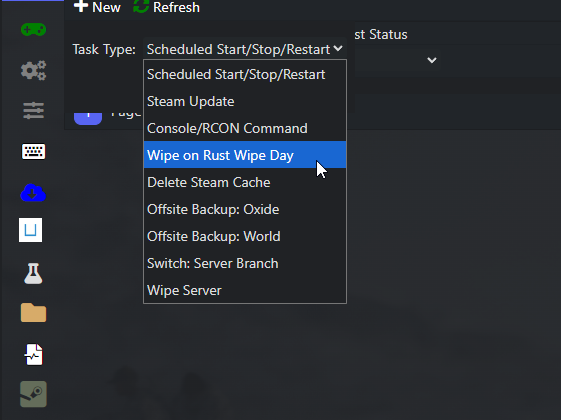 Config & mods protected
Built for smooth multiplayer.
A BeamMP server relays every player's vehicle to everyone else many times a second, so what you feel is the network, not the CPU: real hardware tied to real in-game results, and exactly what every plan gets.
High-Clock CPU
Headroom for scripts and busy lobbies
10Gbps Connection
Low-latency network
NVMe SSD
Read & write
What that means on your BeamMP server
EUGameHost vs a typical host
| Hardware | Standard | Premium Best | Typical host |
|---|---|---|---|
| CPU | Intel @ 4GHz+ | AMD Ryzen 9 · dedicated cores | Low-clock / oversold |
| Memory | DDR4 3200MHz | DDR5 5600MHz | Shared DDR4 |
| Storage | NVMe 4.0 SSD | NVMe 5.0 SSD | SATA SSD or HDD |
| Network | 10 Gbps | 10 Gbps | 1 Gbps shared |
| DDoS protection | Always-on · Layer 3/4/7 | Always-on · Layer 3/4/7 | Null-routed during attacks |
| Mods & maps | Unlimited uploads | Unlimited uploads | Limited / locked |
| Backups | Automatic · roll back | Automatic · roll back | Manual or none |
| Setup time | ~60 seconds | ~60 seconds | Manual / queued |
Compared with a typical budget BeamMP host: specifics vary by provider and plan.
Lower ping. Smoother driving.
Your BeamMP server runs in the UK on our private backbone, with smart routing that keeps it responsive for players across the UK, Europe and beyond.

- Point of presence
- Edge metro
- Private fibre run





Try us risk-free with a 48-hour money-back guarantee.
Spin up your BeamMP server and put us to the test. If it's not right within the first 48 hours, contact support for a full refund. No contracts, cancel anytime.
BeamMP server hosting questions, answered.
Yes. BeamMP is a free, community-made multiplayer mod for BeamNG.drive: you download the launcher from beammp.com at no cost. You do need to own BeamNG.drive on Steam to play. What you rent from us is the server itself: a BeamMP server that stays online around the clock for your friends or community, instead of running it from your own PC.
Yes. Every BeamMP server needs an authentication key from the BeamMP Keymaster at keymaster.beammp.com. Sign in with Discord, open Keys, press the green plus button, give the key a label and copy it. Paste it into the Auth Key field in our control panel and restart. One key runs one server at a time, so treat it like a password and never share it. Our BeamMP auth key guide covers the Keymaster changes and every key error.
Drop the mod's .zip file into the Resources/Client folder on your server, using the file manager or SFTP, then restart. Players download the mod automatically when they join, so nobody has to install anything by hand. Vehicle packs, maps and skins all work the same way.
Open ServerConfig.toml in the config editor and set the Map value to /levels/MAPNAME/info.json. Vanilla BeamNG.drive maps such as gridmap_v2, west_coast_usa, italy, utah and east_coast_usa need no files. For a modded map, upload its .zip to Resources/Client, check the folder name inside its levels folder, use that as MAPNAME and restart.
That is set by the MaxPlayers value in ServerConfig.toml, and each of our plans comes with a slot count to match. Our plans are sized for 8, 16 and 32 player slots. The separate MaxCars value controls how many vehicles each player can spawn, which matters more for smoothness than the raw player count on busy servers.
Yes. Set Private = true in ServerConfig.toml and your server is hidden from the public BeamMP server browser. Share the Direct Connect address (your server IP and port) only with the people you want in, and set AllowGuests = false if you want every player to have a BeamMP account. You still need an auth key for a private server.
BeamMP releases a new server build when BeamNG.drive updates. On our servers you update from the control panel: stop the server, run the update and start it again. Your ServerConfig.toml, auth key and Resources folder are kept, so mods and settings survive the update. We take an automatic backup first in case you ever want to roll back.
No. Port forwarding is only needed when you run a BeamMP server on your own PC at home, because your router has to let players in on the server port (30814 by default). A hosted server already has a public IP with the right ports open, so there is no router setup, no CGNAT problem and no exposing your home connection.
BeamMP publishes server builds for both Windows and Linux. Our hosted servers run on Linux, which you never have to touch: everything is managed through the browser control panel, the file manager and the config editor. Your players connect from BeamNG.drive on Windows through the BeamMP launcher exactly as they would to any other server.
Give them your server's IP address and port from the control panel. In the BeamMP launcher they open the Direct Connect tab, enter the IP and port and press connect. If your server is public (Private = false) they can also find it by name in the server browser with filters off and Map set to Any.
What to look for in a BeamMP host
Not every BeamMP host is built the same: here is what genuinely matters when choosing where to run your BeamNG.drive multiplayer server, and how EUGameHost delivers on each.
| What to look for | Why it matters for BeamMP | EUGameHost |
|---|---|---|
| Low-latency network | A BeamMP server is a relay: it passes every player's vehicle data to everyone else many times a second. Latency and jitter show up directly as cars warping and rubber-banding. | Hosted in the UK on our private 10 Gbps backbone with Anycast routing, so UK and European players get a short, stable path to the server. |
| Fast mod delivery | Players download your mods from the server when they join. A big map or vehicle pack on a slow host means minutes at the loading screen before anyone can drive. | NVMe storage and a 10 Gbps uplink push mod packs out quickly, so joining a modded server takes seconds rather than minutes. |
| Unlimited mods and maps | Some hosts cap mod storage or lock the Resources folder, which traps a community that wants custom maps and vehicle packs. | Full file access to Resources/Client over the file manager or SFTP: upload, switch or remove mods and maps whenever you like at no extra cost. |
| Easy ServerConfig.toml editing | Everything about a BeamMP server lives in one file: auth key, name, map, slots, cars per player and whether it is private. Getting that wrong keeps the server off the network. | A visual config editor with validation for the common settings, plus direct .toml editing in the browser for everything else. |
| No overselling | Oversold nodes share one CPU and one uplink across far too many servers, so your lobby stutters when a neighbour gets busy. | We size capacity to the hardware and never oversell: your plan gets the resources it is sold with. |
| Always-on DDoS protection | Public game servers attract attacks, and budget hosts often null-route the target, taking your whole server offline until it passes. | Always-on Layer 3/4/7 DDoS protection with Anycast routing is included on every server, and we never null-route during an attack. |
| Automatic backups | A broken mod update or a mistyped config can take a server down. Without a backup you are rebuilding your mod pack from scratch. | Scheduled automatic backups are included, with one-click roll back to any previous version of your config and Resources folder. |
| Simple server updates | BeamMP ships a new server build after each BeamNG.drive update. If updating means manual downloads and file juggling, your server stays offline for days. | Update to the latest BeamMP server build from the control panel in one click, with your config, key and mods kept in place. |
| Real 24/7 support | Auth key errors and mods that will not load do not keep office hours. A server that is down on a Friday night needs a real person who knows BeamMP. | Genuine 24/7 UK-based support that understands BeamMP, backed by a 4.8/5 Trustpilot rating from over 500 reviews. |
| No-contract / cancel anytime | Friend groups play in bursts, so being locked into a long contract for a server you use some months is a needless risk. | No contracts, ever: pay as you go, change your slot count before a big session and cancel whenever you choose. |
Mods and maps on your BeamMP server
Mods are most of the fun of BeamNG.drive multiplayer: new cars, new maps, new skins. On a BeamMP server they all work the same way, and the server hands them to every player automatically, so nobody has to install anything by hand.
Every BeamMP server has a Resources folder, and inside it a Client folder. Any mod you place in Resources/Client is sent to players when they connect: vehicle packs, skins, parts, sound packs and maps all go in the same place as the .zip file you downloaded, with no unpacking needed.
On EUGameHost you upload with the drag-and-drop file manager or over SFTP with your usual client, then restart the server from the panel. Keep the pack sensible in size: players download everything in it on their first join, so a lean set of mods means faster joins and fewer people giving up at the loading screen. Our guide on how to add mods to a BeamMP server covers sizes, updates and the fixes when a mod breaks joins.
The map is a single line in ServerConfig.toml: Map = "/levels/MAPNAME/info.json". Open the config editor, change MAPNAME, save and restart. Keep the /levels/ prefix and the /info.json suffix exactly as written, because a bare folder name is the most common reason a server fails to load its map.
For a modded map, upload its .zip to Resources/Client first, then look inside the archive for the folder under levels and use that folder name as MAPNAME. Players download the map on join and load straight into it.
Vanilla maps need no upload. The level names BeamNG.drive uses are: gridmap_v2, west_coast_usa, east_coast_usa, italy, utah, johnson_valley, jungle_rock_island, small_island, industrial, hirochi_raceway, automation_test_track, driver_training, derby and smallgrid.
So a West Coast USA server uses Map = "/levels/west_coast_usa/info.json", and a plain grid for testing cars uses Map = "/levels/gridmap_v2/info.json". New official maps follow the same pattern as BeamNG.drive adds them. Our BeamMP map names guide has every map with its code, size and the map not found fix.
Because the server is the single source of mods, every player runs the same versions and nobody drives a car that others cannot see. To update a mod, replace the .zip in Resources/Client and restart; players fetch the new file on their next join. We take an automatic backup before changes, so a mod that breaks the lobby is a one-click roll back rather than a rebuild.
Private BeamMP servers for friends
Most BeamMP servers are not public at all: they are a handful of friends who want their own map, their own mods and nobody else barging in. Here is how to keep yours private, how slots work and how your friends get in.
Set Private = true in ServerConfig.toml and your server is left out of the public BeamMP server list, so random players cannot find it. You still need a Keymaster auth key: that is what connects your server to the BeamMP network and lets players authenticate, public or not.
If you want everyone who joins to have a BeamMP account rather than connecting as a guest, set AllowGuests = false as well. When you are ready to go public later, flip Private to false and the server appears in the browser under the name and tags you set.
MaxPlayers is how many people can be on the server at once; our plans come with 8, 16 or 32 slots and you can change plan at any time. MaxCars is separate: it limits how many vehicles each player can spawn, and extra cars beyond it are removed. For a smooth friends server, a modest MaxCars keeps a busy lobby from turning into a hundred-vehicle pile-up that nobody's PC enjoys.
Your server has a fixed IP address and port, shown in the control panel. Send both to your friends. In the BeamMP launcher they open the Direct Connect tab, type the IP and port and connect. Because the server is hosted with us, there is no port forwarding, no CGNAT problem and no home IP address to hand out.
Plenty of community servers started as a Discord friend group. When yours does, upgrade your slot count from the panel without losing your mods or config, set Private to false, give the server a proper name and tags, and it is listed for everyone. The hardware, DDoS protection and support are the same on every plan, so there is nothing to migrate.