Soulmask Server Hosting
Soulmask server hosting built for your tribe.
Start Playing With Your Tribe in Seconds
- Instant setup
- Always-on DDoS protection
- Full FTP access
- Mod Installation
- Backups
- Server Configuration
Check your connection
Compare latency to our locations


Measured live from your browser
Lower ping means smoother, more responsive tribe play for every player.
Pick your Soulmask server.
Every plan includes unlimited players, one-click Workshop mods, full SFTP & console access, always-on DDoS protection and our control panel: scale up or down anytime.
Starter
4 Cores @ 3.6GHz · 80 GB NVMe
Pro
6 Cores @ 3.8GHz · 125 GB NVMe
Ultra
8 Cores @ 4.0GHz · 150 GB NVMe
We're rated excellent.
Rated 4.8 / 5 by 500+ server owners on Trustpilot.




One of the best providers
Changing to EUGameHost was one of the best decisions I've made. I now run a dedicated server and two game servers. The team is amazing, knowledgeable and personal. No bots.
The best out there
I've tried a lot of game server hosts over the years and after a year with EUGameHost they're one of the best, especially the support. Loads of RAM where most hosts charge a fortune to upgrade.
Amazing customer service
Had an issue with my server and got a response very quickly. Once we confirmed it, the fix was applied immediately and I was given extra time for free. 100% recommend.
Rock steady through DDoS attacks
Switched our server over from a previous host after server-killing DDoS attacks. Haven't had a single issue since and the servers are rock steady.
Best host out there
Really good host, very good server and a very patient team, always there to help with quick ticket responses. Extremely happy with their work.
Fantastic price for the hardware
Use this to host a game server: absolutely fantastic price for the hardware available. Had one small issue and got a human response in under 2 minutes. Can't complain.
Built specifically for tribe-survival servers.
Mods, world saves, tribe AI and live console: everything you need to run a PvE or PvP Soulmask community without fighting the server.
Mods & Workshop
- One-click Steam Workshop installs
- Automatic mod updates
- Soulmask Modkit support
- Manual SFTP mod uploads too
Tribe & World
- Unlimited player slots
- 20+ tribesmen per player
- PvP & PvE server modes
- Mask possession tuned tick-rate
Data & Config
- Edit Game.ini with safe validation
- Resource, XP & tribe-limit controls
- Full FTP / SFTP file-level access
- Automatic backups you can roll back
Reliability
- Always-on Layer 3/4/7 DDoS protection
- Never null-routed during attacks
- Bare-metal, no oversold nodes
- 24/7 UK-based Soulmask support
Trusted by 500+ game server owners.
Full control over your Soulmask world.
Manage mods, world saves, backups and server configuration from one powerful panel: switch between the features below to see how easy Soulmask server administration really is.
View Soulmask plans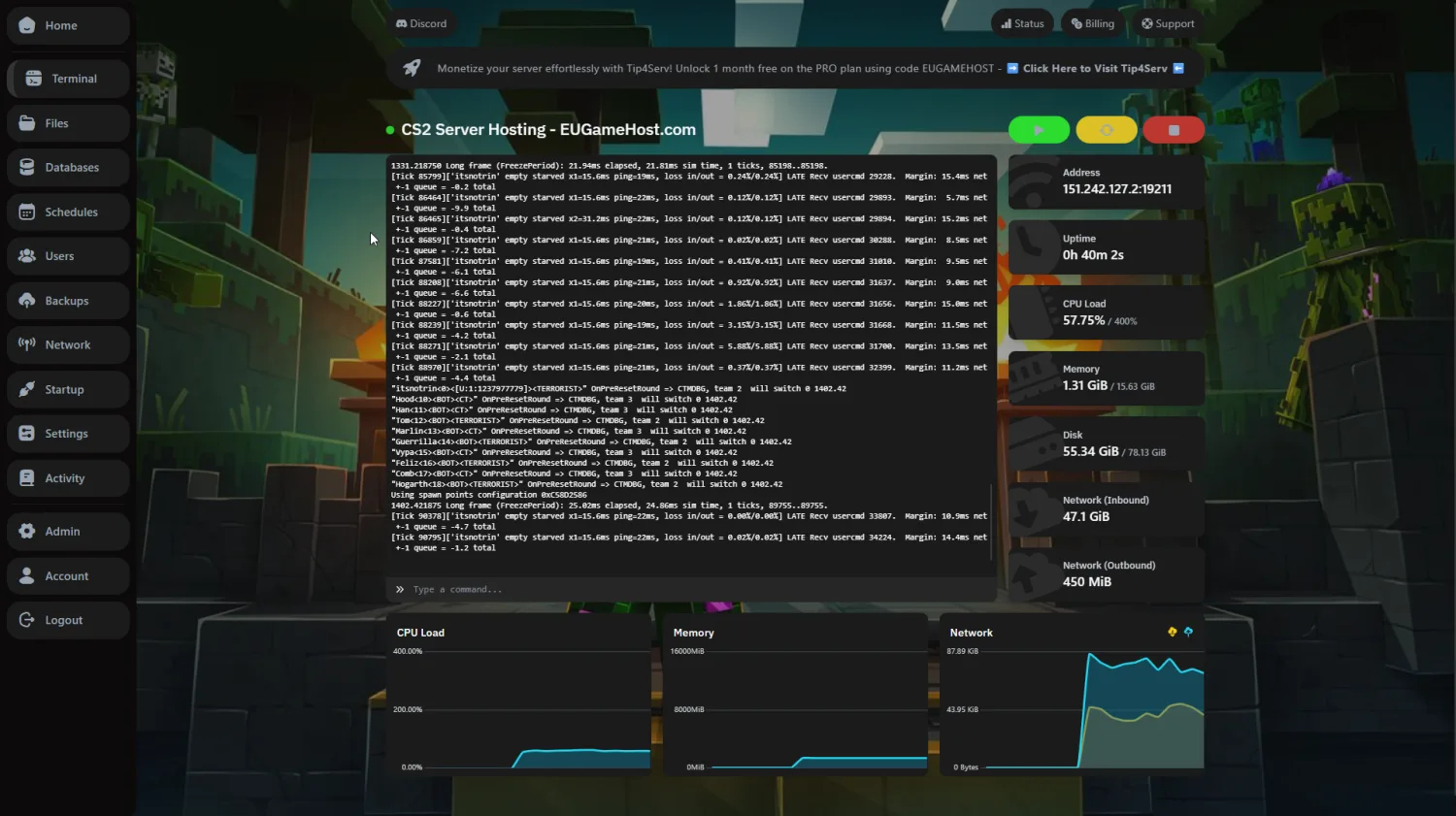 Live server console
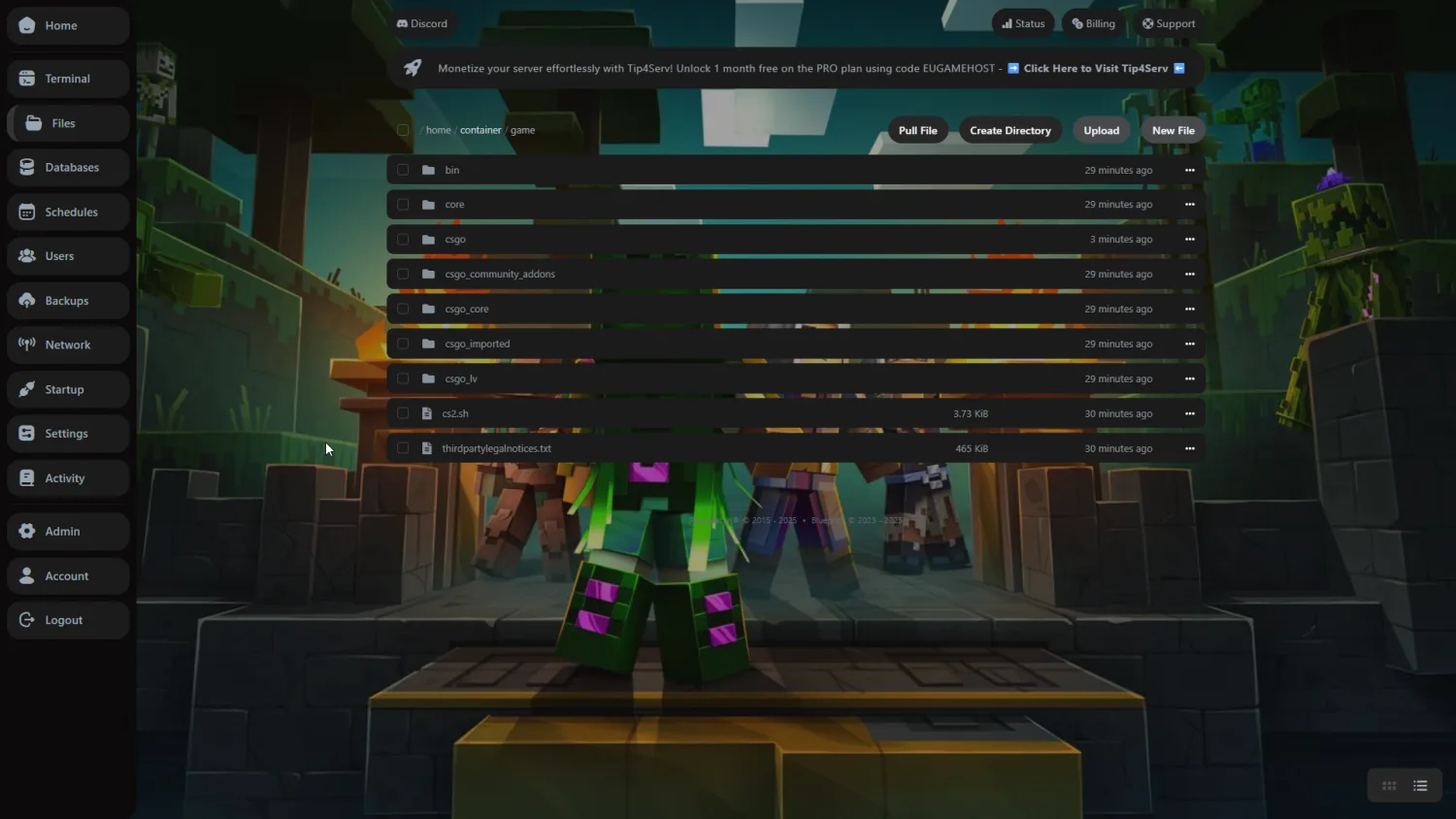 Full SFTP access
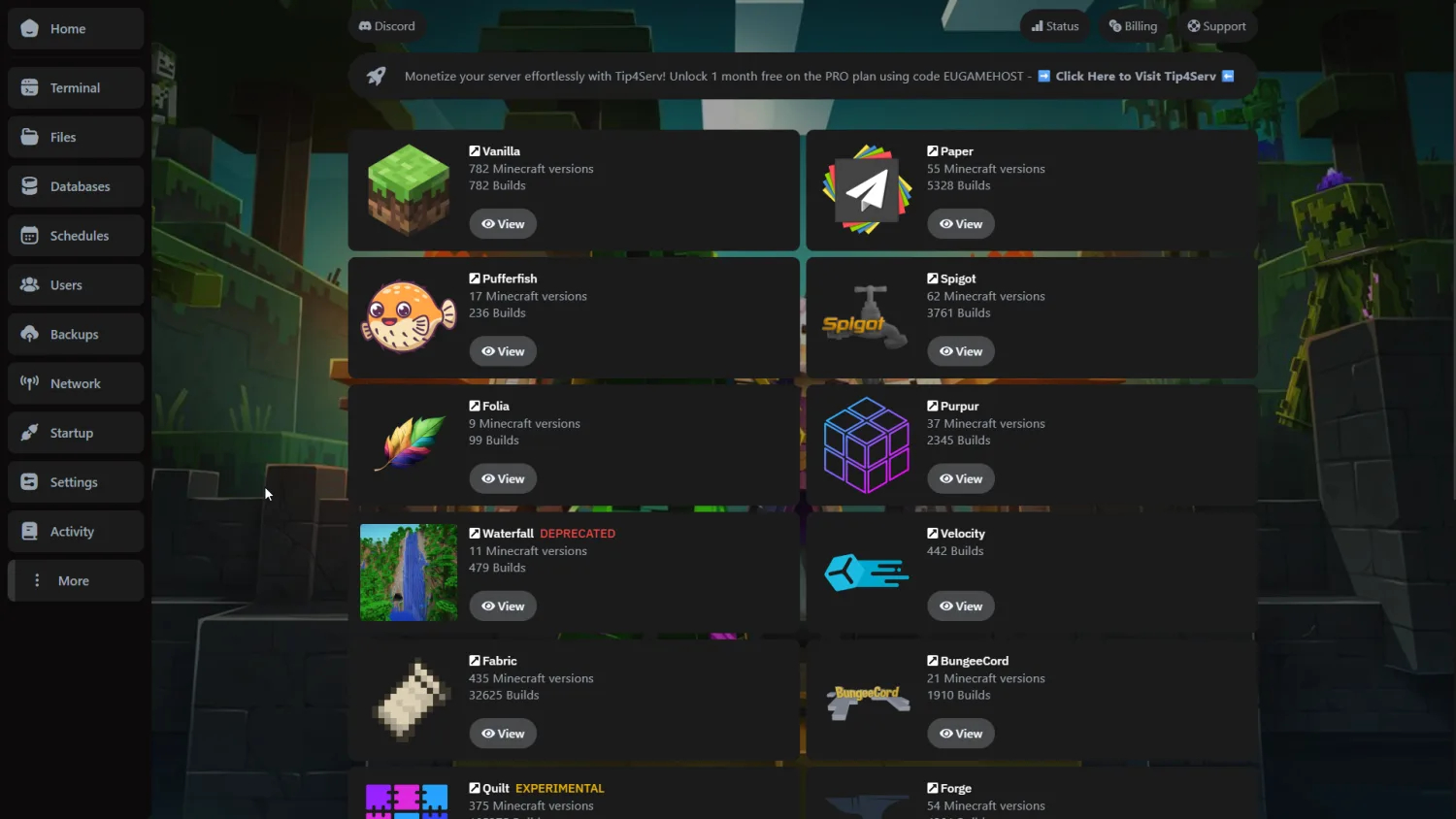 Popular mods available
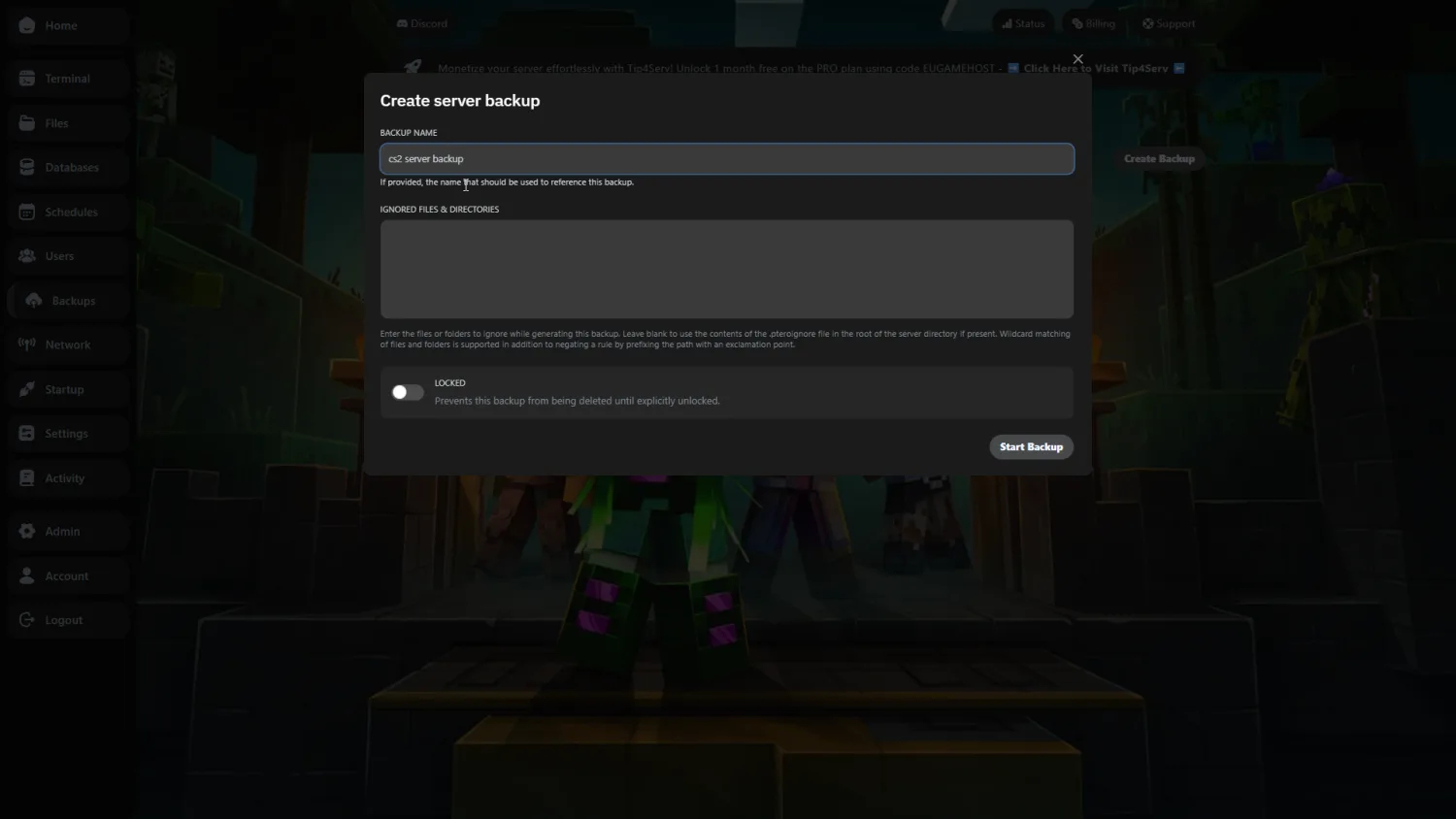 Automated backups
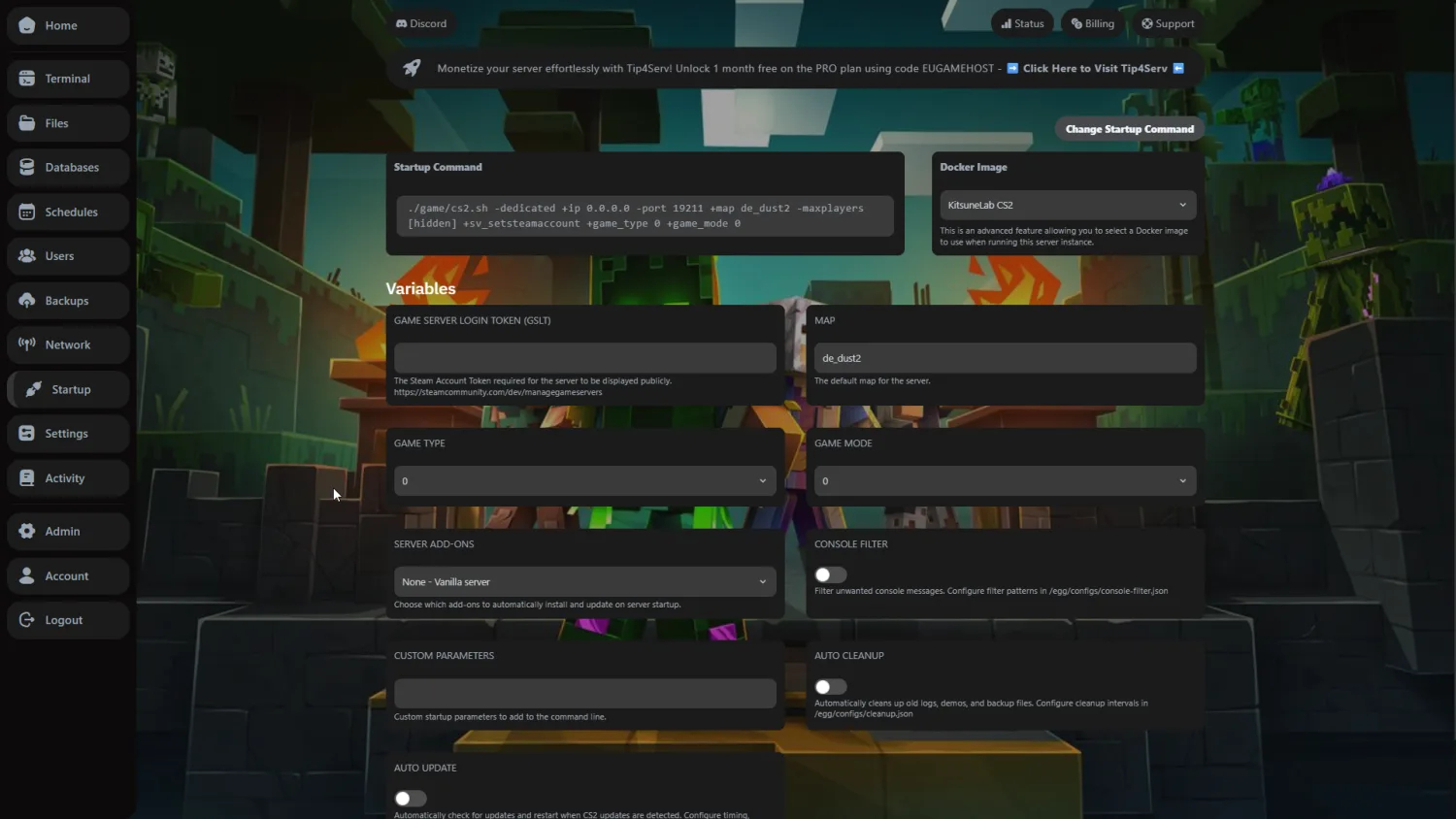 Easy configuration
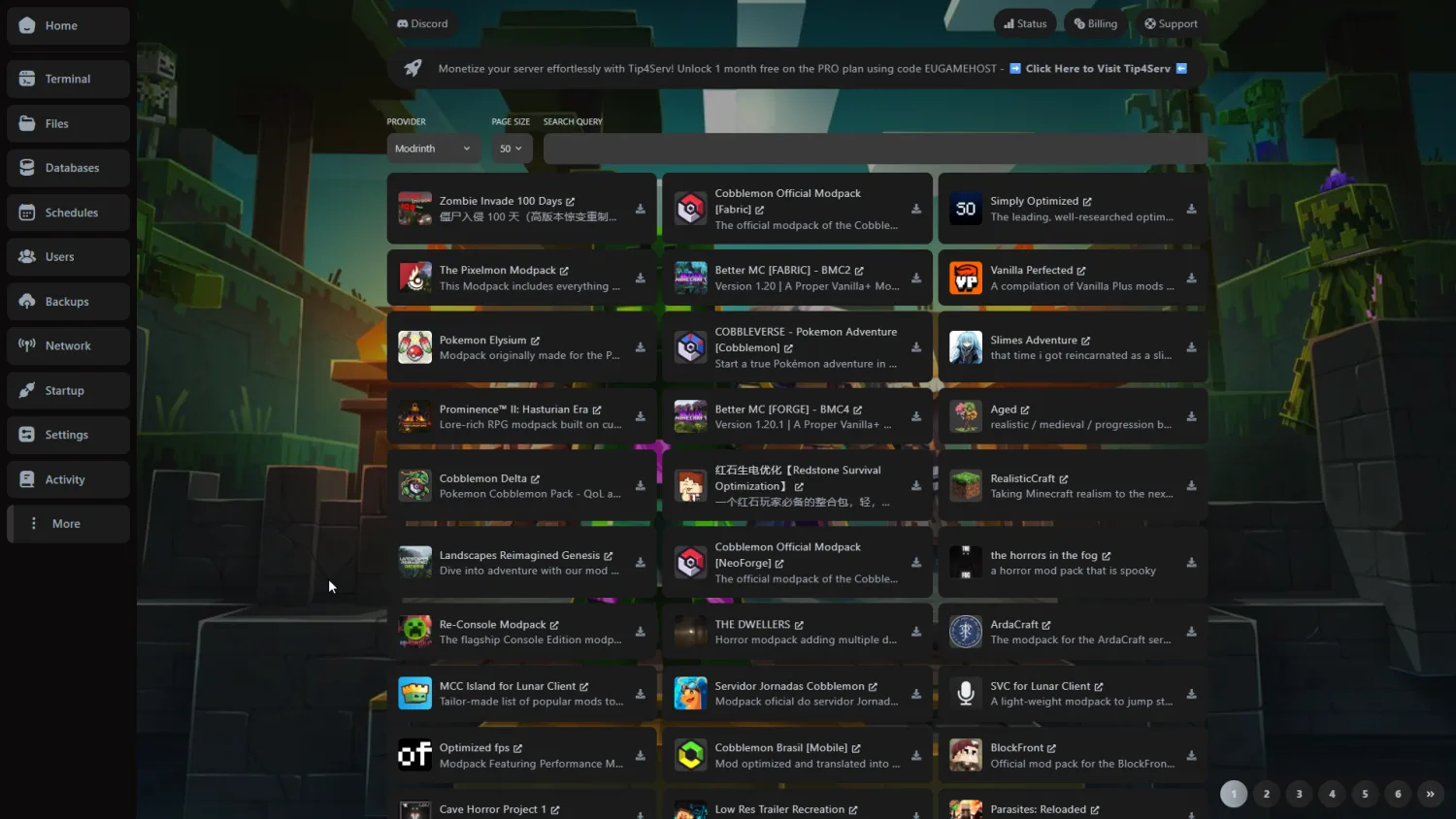 Workshop integration
Built for smooth tribe AI.
Soulmask leans hard on multi-core CPU for tribe AI: real hardware tied to real in-game results, and exactly which plans get what.
Ryzen 9 7950X
High multi-core clock
10Gbps Connection
Low-latency network
NVMe SSD
Read & write
What that means on your Soulmask server
Starter to Ultra, and the rest
| Hardware | Standard | Ultra Best | Typical host |
|---|---|---|---|
| CPU | Intel Xeon @ 3.6GHz+ | Ryzen 9 7950X @ 5.8GHz · dedicated cores | Low-clock / oversold |
| Memory | DDR4 3200MHz | DDR5 5600MHz | Shared DDR4 |
| Storage | NVMe 4.0 SSD | NVMe 5.0 SSD | SATA SSD or HDD |
| Network | 10 Gbps | 10 Gbps | 1 Gbps shared |
| DDoS protection | Always-on · Layer 3/4/7 | Always-on · Layer 3/4/7 | Null-routed during attacks |
| Player slots | Unlimited | Unlimited | Artificial caps |
| Setup time | ~60 seconds | ~60 seconds | Manual / queued |
Compared with a typical budget Soulmask host: specifics vary by provider and plan.
Lower ping. Smoother tribe play.
Our private backbone and smart routing keep your Soulmask server responsive for players across the UK, EU, and beyond.

- Point of presence
- Edge metro
- Private fibre run
Everything you need to run a better Soulmask server.
CPU-optimised hardware, real DDoS protection and a panel built for tribe admins, without the premium price tag.
Instant setup
Go from checkout to a live Soulmask server in under 60 seconds: your world deploys automatically with full panel access, no manual steps.
CPU-tuned performance
High-clock Ryzen and Xeon CPUs, DDR5 memory and pure NVMe SSDs hold tribe AI and world saves steady even at full population.
Always-on DDoS protection
Layer 3, 4 and 7 mitigation with Anycast routing keeps your tribe server online through attacks, never null-routed, nothing to configure.
24/7 Soulmask support
Real UK-based people who understand mods, world saves and Game.ini: fast answers by ticket or Discord, day or night.
Mods & Workshop
Install Soulmask mods in one click, sync Steam Workshop content automatically and use the official Modkits whenever you like.
Full control panel
Manage Game.ini, the live console, mods, world saves, backups and files from one powerful panel you actually control.
This is Soulmask.
A look at Soulmask tribe survival, then build your own server in under a minute.








Try us risk-free with a 48-hour money-back guarantee.
Spin up your Soulmask tribe server and put us to the test. If it's not right within the first 48 hours, contact support for a full refund. No contracts, cancel anytime.
Soulmask server hosting questions, answered.
Your Soulmask server is deployed automatically the moment your order completes and is typically online within 60 seconds with full control panel access. There is no manual setup or waiting on approvals: you can invite your tribe and start building straight away.
Yes. Every Soulmask server includes full SFTP access to all server files plus complete console access for commands and monitoring. You can manage world saves, tribe data and custom configs without restriction: full control end to end.
Yes. Always-on Cosmic Guard DDoS protection is included on every Soulmask server at no extra cost. Our filtering uses Anycast routing and Layer 7 protection tuned for game traffic, keeping your server online during attacks without affecting legitimate players.
Every plan ships with unlimited slots: there are no artificial player caps. Real capacity is set by your hardware tier and Soulmask's requirements; official servers support roughly 50 to 70 players, and our high-clock processors handle those loads without performance drops.
Yes. Soulmask supports Steam Workshop integration and the official Soulmask Modkits. Our control panel includes one-click mod installation, automatic updates and full Workshop sync, and you can still upload custom mods over SFTP whenever you want complete control.
Yes. Server migration is available from your control panel and relocation between our UK datacentres is instant. Moving is painless and preserves all your data, tribe progress and configurations.
Yes. Plan changes are instant with zero downtime. Your billing adjusts automatically to the new tier, and all your server data, tribe progress and settings remain intact through the switch.
Soulmask is heavily multi-core CPU-bound because of its tribe AI, so we run high-frequency AMD Ryzen and Intel Xeon processors with DDR4/DDR5 memory, PCIe 4.0 NVMe SSDs and 10 Gbps networking. These are bare-metal nodes, not virtual machines, so your game gets dedicated CPU cycles.
No. We never oversell nodes or impose shared CPU limits. Each server gets dedicated compute resources without competing for cycles, which eliminates the noisy-neighbour performance issues common with budget hosts.
Yes. Our Soulmask hosting is built for script-heavy, high-population play (large tribe networks, 20+ tribesmen per player, extensive mod packs and competitive PvP raids) without the desync, save-lag or tick-rate drops you get on oversold nodes.
We host Soulmask in the UK with optimised routing for European players. You can run the live latency test at the top of this page before you buy to check your real ping.
Free and ultra-cheap Soulmask hosting almost always runs on low-frequency, oversold CPUs that stutter the moment tribe AI scales up. Our Soulmask hosting starts at £4.99/mo for CPU-optimised bare-metal hardware, NVMe storage, a 10 Gbps network and real always-on DDoS protection that keeps a serious tribe online.
What to look for in a Soulmask host
Not every Soulmask host is built the same: here is what genuinely matters when choosing where to run your tribe-survival server, and how EUGameHost delivers on each.
| What to look for | Why it matters for Soulmask | EUGameHost |
|---|---|---|
| Multi-core CPU performance | Soulmask's tribe AI and NPC pathfinding spread across multiple cores, so strong multi-core throughput on high-clock processors dictates how responsive your tribesmen feel under load. | Our top plans run the AMD Ryzen 9 7950X with dedicated cores for the multi-core performance Soulmask needs; entry plans use high-clock Intel Xeon CPUs. |
| No overselling | Oversold nodes share one CPU across far too many servers, causing sluggish NPC behaviour and save-lag the moment several servers get busy at once. | We size capacity to the hardware and never oversell: your plan gets the CPU and memory it's sold with on bare metal. |
| NVMe storage | Soulmask autosaves world data, tribe states and NPC positions frequently, and slow disks cause stutter every save cycle. | Every plan runs on PCIe 4.0 NVMe SSD storage as standard for fast saves, quick startup and rapid backup restores. |
| Always-on DDoS protection | PvP tribe servers are frequent attack targets, and budget hosts often null-route during an attack, taking your whole community offline. | Always-on Layer 3/4/7 DDoS protection with Anycast routing is included on every server, and we never null-route during an attack. |
| Steam Workshop & mods | Modern Soulmask servers lean on Workshop mods and Modkits, which add real overhead that weak hardware can't absorb. | One-click Workshop installs, automatic mod updates and full Modkit support mean you can run heavy mod packs without the performance drops budget hosts hit. |
| Unlimited player slots | Some hosts impose artificial caps to oversell nodes, which limits growth and forces needless upgrades. | Every plan ships with truly unlimited slots: your real capacity is set by your hardware, not a marketing cap. |
| UK location (latency) | Low ping keeps combat, mask switching and building responsive; the right location for your players makes a tangible difference. | Host in the United Kingdom with routing optimised for European players, and test your real ping before you buy. |
| Real 24/7 support | Soulmask problems don't keep office hours: a broken mod or downed server at 2am needs a real person who knows the game. | Genuine 24/7 UK-based support that understands mods and Game.ini, backed by a 4.8/5 Trustpilot rating from over 500 reviews. |
| No-contract / cancel anytime | Community interest ebbs and flows, so being locked into a long contract is a needless risk. | No contracts, ever: pay as you go, scale up before a big launch and cancel whenever you choose. |
The complete guide to Soulmask server hosting
Renting a Soulmask server gives you full control over your own tribe-survival world (mods, world saves, tribe limits and configuration) without running demanding hardware at home. This guide covers everything you need to know about Soulmask server hosting: how it works, the tribe system that drives the hardware demand, what it costs and how to pick a host that keeps your server smooth when it fills up.
Soulmask is a tribe-survival game from CampFire Studio where you recruit and possess NPC tribesmen using ancient masks, building a tribe that farms, crafts, defends and explores autonomously. Soulmask server hosting is a service that runs a dedicated instance of the Soulmask dedicated server on managed hardware, so players can connect to a persistent world with your rules, mods, tribe limits and PvP or PvE settings, online around the clock.
EUGameHost provides premium UK Soulmask hosting with a full control panel, live web console, file manager, configuration editor, automatic backups and one-click Steam Workshop mod installation, so you can go from checkout to a live, mod-ready world in minutes. With a Trustpilot rating of 4.8 out of 5 from more than 500 reviews, it's a setup built for community owners who want their server to feel as polished as the tribe running on it.
Soulmask's core mechanic revolves around building and managing your tribe. Players recruit up to 20 tribesmen NPCs, each with unique personalities, talents and skills, and can possess any of them with a mask to take over their body. Tribesmen handle tasks autonomously (farming, production, defence and resource gathering) which creates a unique gameplay loop where you lead a tribe rather than playing as a lone survivor.
Every active tribesman consumes CPU cycles for AI calculations. On a busy server where many players each control a full tribe, the node may be processing well over a thousand NPC entities at once. That demands multi-core CPUs for parallel pathfinding and task management, generous RAM to hold NPC states, inventories and behaviour trees, and fast storage for rapid world saves, exactly the hardware profile EUGameHost builds every Soulmask plan on.
Mask possession and tick-rate
Players synchronise consciousness with any recruited tribesman, taking over their body to use a warrior's combat skills during raids or a craftsman's abilities for production. Mask switching needs to feel instantaneous, which depends on responsive server tick-rates, and tick-rate is the first thing to collapse on a low-clock or oversold CPU.
Keeping tribe AI responsive
High-frequency CPUs significantly improve tribe AI responsiveness. Budget hosts with older or lower-clock processors exhibit sluggish NPC behaviour and delayed task completion, so the single biggest lever on a smooth Soulmask server is per-core clock speed paired with enough cores to handle the parallel AI load.
Self-hosting Soulmask from a home PC sounds cheaper on paper, but it rarely is once you factor in the realities. Soulmask is a demanding, CPU-bound server, and running it locally ties up your own machine, exposes your home IP and bandwidth to attack, and takes your server offline whenever your power, internet or PC has a wobble. A residential connection has neither the bandwidth nor the DDoS protection to survive the attacks PvP tribe servers routinely attract.
Renting a dedicated Soulmask server solves all of this. EUGameHost includes always-on DDoS protection free on every plan, a 10 Gbps network, full FTP/SFTP access for deep customisation, automatic backups and 24/7 support for when something needs a human. With no contracts, you can cancel anytime, so renting carries none of the long-term risk of buying and maintaining your own hardware.
Soulmask is one of the more CPU-sensitive survival servers around, and the reason is its tribe AI system. Each tribesman needs CPU cycles for pathfinding, task prioritisation and needs satisfaction, so both per-core clock speed and core count matter: clock speed for responsiveness and cores for handling many NPCs in parallel.
The pressure point is peak time on a heavily populated, modded server. When a full server runs large tribe networks, mod packs and frequent autosaves all at once, a low-clock or oversold CPU sees NPC behaviour turn sluggish and saves cause stutter. A strong multi-core processor, fast DDR4/DDR5 memory and PCIe 4.0 NVMe storage are what hold performance steady when it matters most.
CPU and RAM by player count
Small tribes of 10 to 30 players run comfortably on 16 GB DDR4; 30 to 50 players want 24 GB to handle multiple NPC tribesmen active at once; and 50 to 70 players or heavy mods need 32 GB DDR5. EUGameHost's Ultra plan pairs 8 high-clock cores with 32 GB DDR5 for exactly this kind of maximum-population, mod-heavy server.
Storage: why NVMe matters
NVMe SSDs cut world save times by 60 to 80% compared to SATA SSDs, and Soulmask autosaves world data, tribe states and NPC positions frequently. Fast storage prevents the lag spikes that plague servers on shared SATA disks, speeds up server startup and slashes backup restore times: every EUGameHost plan ships with PCIe 4.0 NVMe as standard.
Soulmask supports both PvP and PvE on private servers, and the mode you choose shapes both the gameplay and the hardware demand. PvE focuses on cooperative survival (no player damage, ideal for role-play and casual communities) while PvP enables tribal raids, territorial control and player combat, which demands stable performance during large raids, fast saves to prevent rollbacks, and proper DDoS protection because competitive servers are frequent targets.
Private servers expose extensive customisation through the config file at /Saved/Config/WindowsServer/Game.ini: resource and XP multipliers, tribe member limits, damage multipliers, day/night cycle speed, creature spawn rates and building decay timers. EUGameHost's configuration editor lets you change these with clear labels and validation instead of editing raw files, so a casual PvE world, a hardcore PvP server or a balanced role-play setup are all a few clicks apart.
Soulmask server hosting is priced mainly on the hardware tier you choose: more cores, more RAM and faster storage for bigger, more heavily modded tribes. A small tribe costs very little to run, while a busy, mod-heavy server at peak time needs more multi-core horsepower, and the pricing reflects that.
EUGameHost's Soulmask plans start from £4.99 per month for the Starter (4 cores, 16 GB DDR4, 80 GB NVMe), with the Pro at £7.99 per month (6 cores, 24 GB DDR4, 125 GB NVMe) and the Ultra at £12.99 per month (8 cores, 32 GB DDR5, 150 GB NVMe). Every plan includes unlimited players, and committing annually saves you 20%. There are no contracts and you can cancel anytime, so you're free to scale your plan up before a big launch and adjust it afterwards without penalty.
Location is the difference between responsive tribe play and a server that feels laggy for half your players. Soulmask is sensitive to latency (combat, mask switching and close interactions all come down to fractions of a second), so you want your server hosted as close as possible to the bulk of your player base to keep ping low and synchronisation tight.
EUGameHost hosts Soulmask in the United Kingdom with routing optimised for European players, which makes it the natural home for UK and EU communities. Run the live latency test at the top of this page to check your real ping before you buy, and where your community spans regions, host close to the largest group so nobody is stuck at a high-ping disadvantage.