The short answer
RustAdmin is the one to start with: a free desktop version and a paid cloud version, so it scales with you. BattleMetrics is the better paid option if you want monitoring and automation. RCON.io and Facepunch WebRCON are free but neither uses SSL.
Key points
- RCON lets you manage the server without being logged in as a player.
- RustAdmin has a genuinely useful free tier. Start there.
- Two of the four free options send your password without encryption.
- A panel console covers the basics. External tools add monitoring and history.
Why you need one
Finding the right admin tools is what makes managing a Rust server sustainable rather than a chore. Good tools save time, give you more control, and improve the experience for your players, because problems get dealt with while they are still small.
There is also a practical reason you cannot avoid: RCON is how you grant the first admin. Before anyone has in-game rights, there is no in-game way to give them any.
BattleMetrics (paid)
BattleMetrics is a comprehensive paid RCON tool with a wide feature set: real-time monitoring, player management and automation. It is well regarded for a robust and genuinely usable interface, which is not universal in this category, and it is a popular choice among server administrators running something at scale.
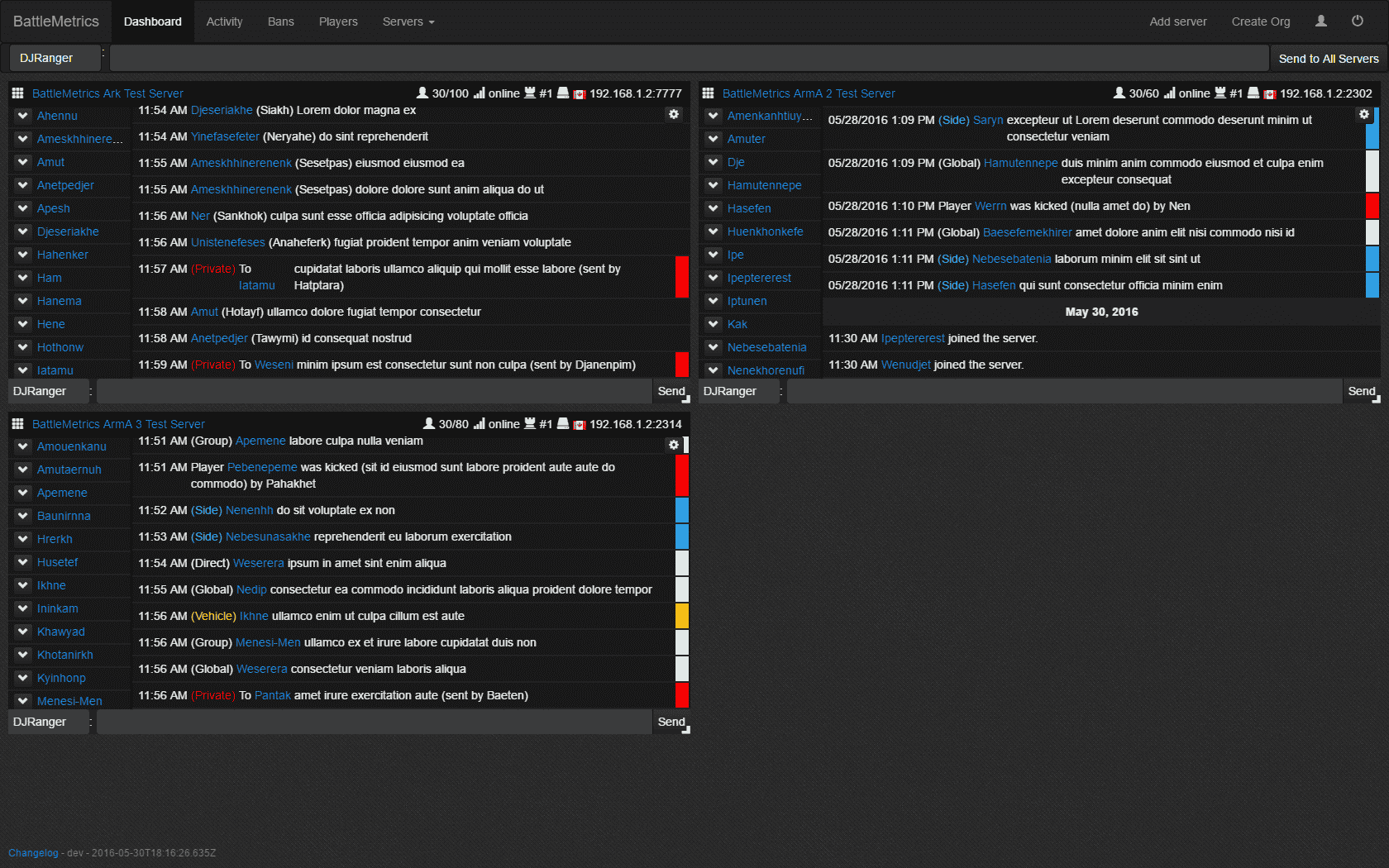
Learn more about BattleMetrics
RustAdmin (free and paid)
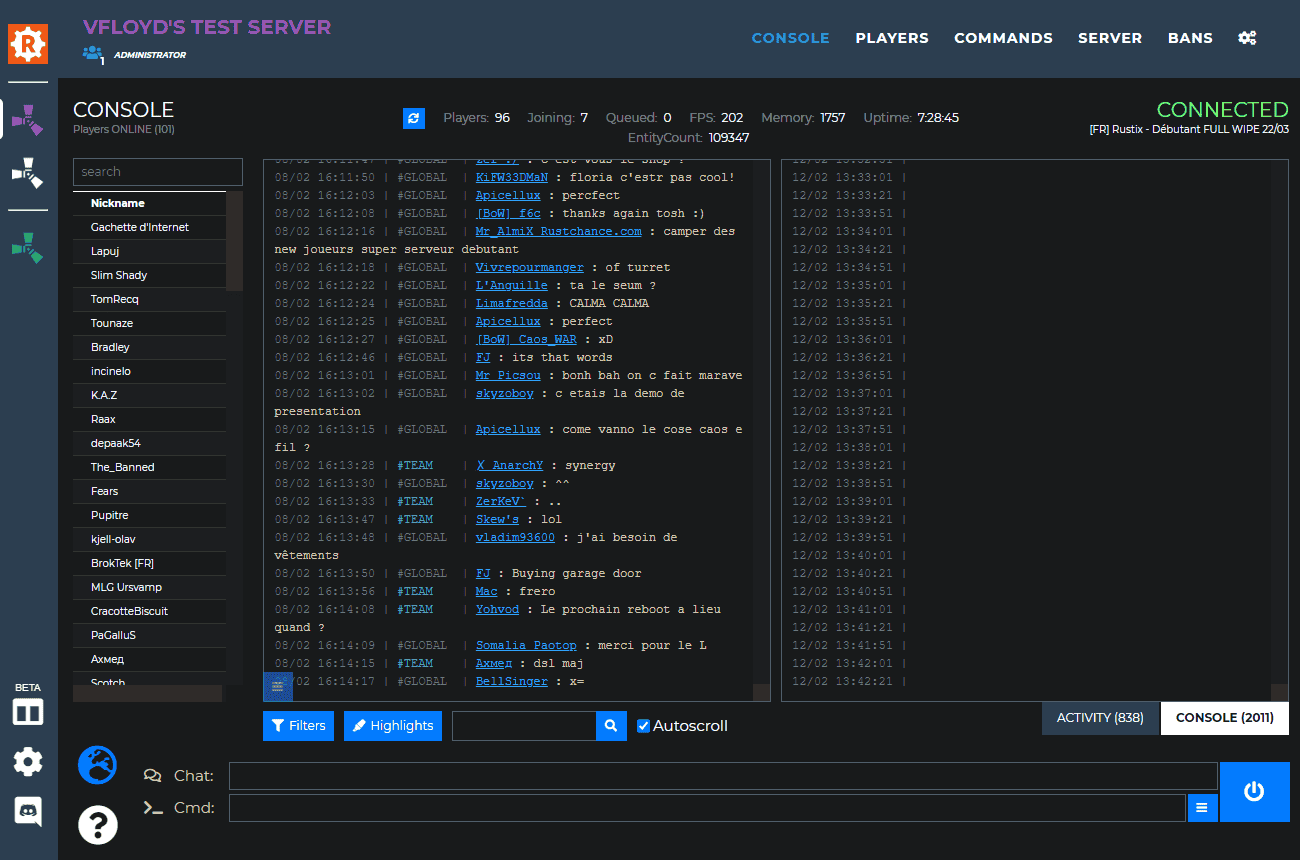
RustAdmin offers both a free version you run on your own PC and a paid cloud version, which is what makes it our recommendation. The desktop version gives you the core functionality for nothing, and the cloud version adds remote access and additional features when you need them.
For most server owners that progression is exactly right: you are not paying for capability you do not yet need, and you are not going to outgrow it and have to migrate.
RCON.io (free)
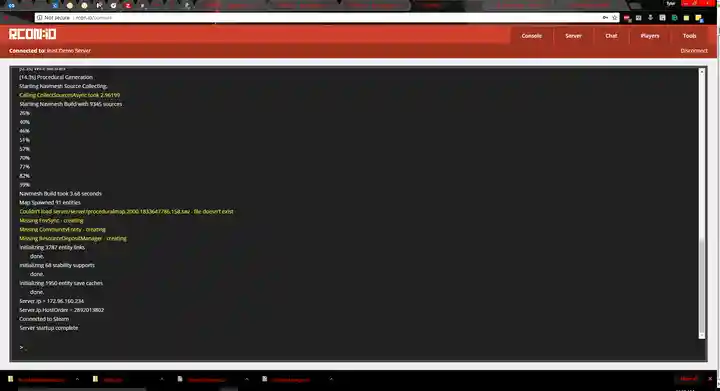
RCON.io is completely free and still functions, despite being quite old and lacking an SSL certificate. Its development appears to have been abandoned.
It is a reasonable choice if you want a no-cost web tool and you understand its limitations. The lack of security updates on an abandoned project is the part to weigh, not the age.
Facepunch WebRCON (free)
Facepunch WebRCON is the official RCON service from Rust's own developers. It is on GitHub and free to use.
It does not support SSL, which causes compatibility problems with browsers that enforce it. Copying and pasting the URL rather than following a link is the usual way round that. It is not the strongest option, but it is free, official and accessible for basic server management.
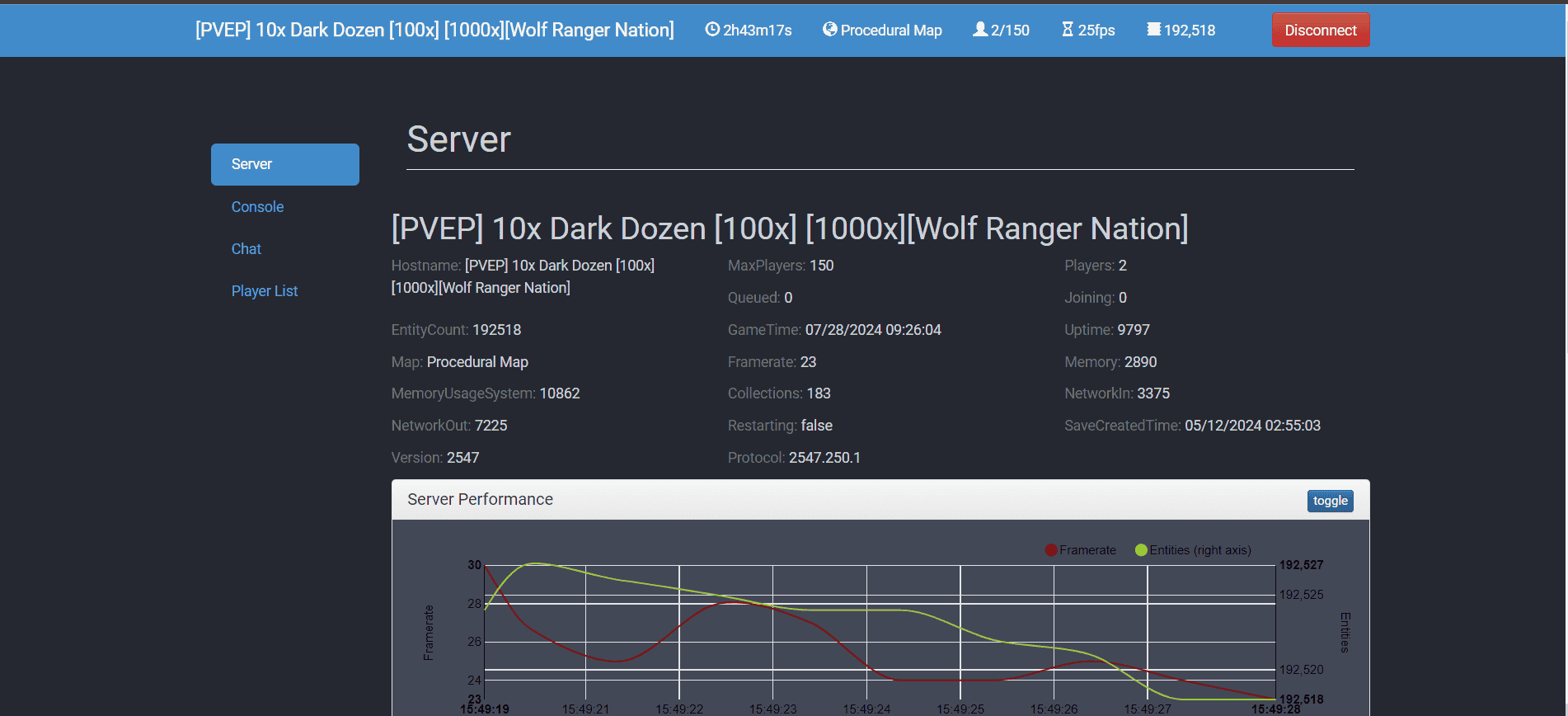
Learn more about Facepunch WebRCON
Which to choose
| Tool | Cost | SSL | Best for |
|---|---|---|---|
| RustAdmin | Free desktop, paid cloud | Cloud version | Most people, most of the time |
| BattleMetrics | Paid | Yes | Monitoring, automation, larger servers |
| RCON.io | Free | No | Occasional use, aware of the risk |
| Facepunch WebRCON | Free | No | Quick official access, basic commands |
A word on RCON security
Your RCON password is complete administrative control of the server. Anyone who has it can ban everyone, wipe the world or hand themselves ownership.
- Use a long, unique password
- Not one you use anywhere else, and not a short one. It is exposed to anything on the network path when SSL is absent.
- Prefer tools with SSL
- Where a client offers an encrypted connection, use it. Where it does not, understand that the password is travelling in the clear.
- Change it if it leaks
- Pasted into the wrong Discord channel, shared with someone who has left the team, or used on an abandoned web tool. Change it and move on.
- Do not hand it out as a shortcut
- Giving someone RCON is not the same as making them a moderator. Use moderatorid for that, and keep the password to yourself.
Once you have a client connected, our Rust server admin commands reference covers what to actually type into it.